
Horizon OS 2.7 is rolling out with Touch Plus gamepad emulation for Xbox and Steam Link, plus Quest 3–only extended refresh rates: 207 Hz at full resolution, and 240 Hz behind developer mode and display scaling.
UploadVR and VR.org have the same beat from Meta’s Horizon OS 2.7 rollout and developer docs: Quest owners finally get a software gamepad path for flat-screen streaming, and Quest 3 owners get a display ceiling far past the old 120 Hz menu. Road to VR reported the higher rates appearing on retail units around August 31, with Horizon OS 2.7 as the required build.
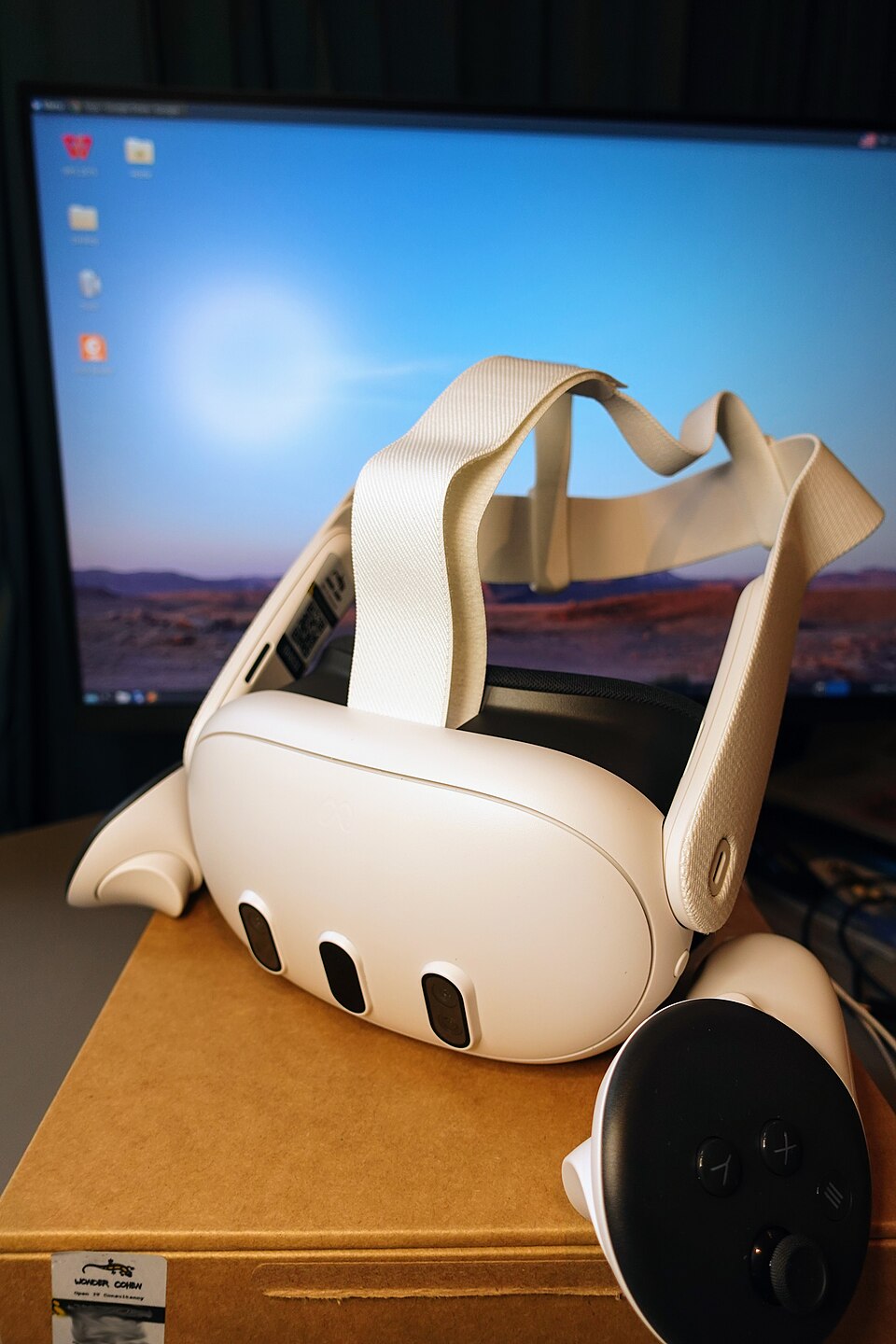
Gamepad Mode on Touch Plus
UploadVR’s hands-on says Gamepad Mode lands in Settings → Devices → Controllers on Quest 3 and Quest 3S. Touch Plus inputs can emulate an Xbox gamepad for Xbox Cloud Gaming and Steam Link. Grip or thumbrest act as a modifier—roughly a Shift key—to reach buttons the Touch Plus hardware does not physically expose. Meta still recommends a real Xbox controller for the “best” experience. UploadVR found the mode strongest on casual and medium-paced titles with mostly unidirectional inputs.
That matters because Meta has not been building toward a Steam Frame–style split gamepad. In April, Reality Labs CTO Andrew Bosworth signaled that major controller hardware revisions were not on the near-term plan. Emulation is the software workaround when a Bluetooth pad is not paired.
207 Hz is the real ceiling. 240 Hz is the demo.
Meta’s documentation, as quoted by VR.org, says Quest 3’s panel “accepts any integer refresh rate from 72 Hz through 207 Hz” through the same APIs developers already use for 90 or 120. Integer is the useful word: 144 or 160 is a chosen number, not a fixed menu slot. UploadVR notes earlier 2026 already added 96 Hz and 100 Hz options for developers; 2.7 opens the range far past that.
Above 207 Hz the rules change. Reaching 240 Hz requires Developer Mode, ADB commands, and display scaling—render at a lower resolution, then upscale on the panel. Meta is blunt: scaling “trades image quality for bandwidth,” and the difference shows on small text and thin geometry. Frame budget collapses with the rate: about 8.3 ms at 120 Hz, 4.8 ms at 207 Hz, 4.2 ms at 240 Hz. Meta’s own guidance steers light scenes—rhythm games, competitive shooters, sports, racing, high-contrast environments—and warns dense scenes with heavy post-processing are poor candidates.
Apps are already chasing the new headroom. UploadVR reports Quest Games Optimizer and Virtual Desktop (beta channel) offering 144 Hz modes, with Virtual Desktop’s Guy Godin confirming the 144 fps Quest 3 beta on August 29.
Quest 3S is not invited
Meta’s line, per UploadVR and VR.org: extended refresh rates are “exclusive to Meta Quest 3.” Quest 3S tops out at 120 Hz on a different panel. Quest 2 stops at 120, Quest Pro at 90. The cheaper SKU that shares a generation name does not share this feature, so any app that treats 207 as a baseline needs a fallback, not an asterisk after launch.
Meta also told developers not to require an extended rate for an app to run, and not to assume future headsets will clear 120 Hz. That hedge is the practical takeaway. Treat 207 Hz as the honest full-resolution ceiling on hardware people already own. Treat 240 Hz as a developer demo with a visible quality tax. Alongside gamepad emulation and the rest of 2.7 (display size controls, Virtual Display absorbing HDMI Link), it is a software update that sharpens today’s Quest 3 without pretending the next flagship is here.
Sources: UploadVR, VR.org, Road to VR.