
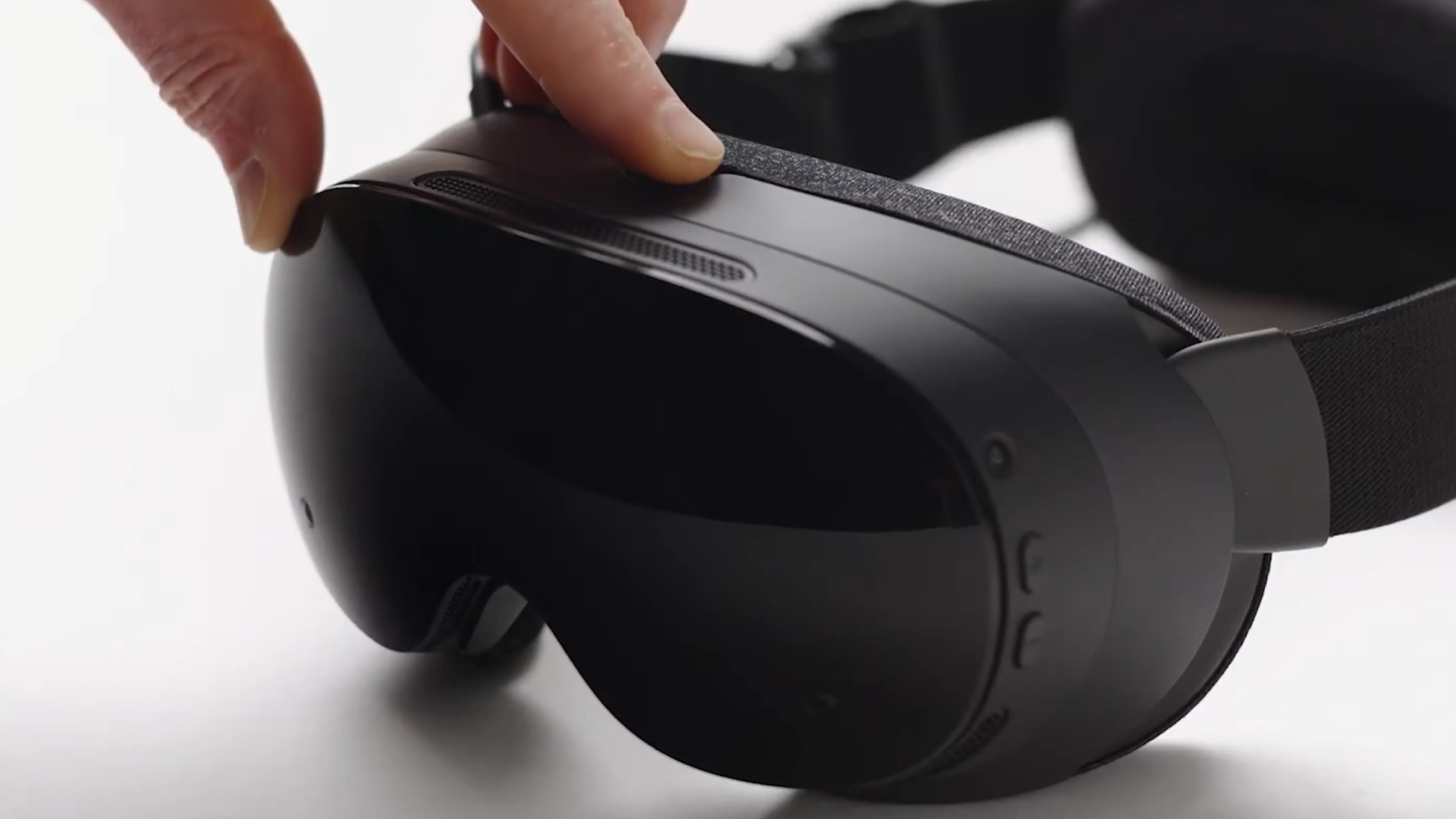
Valve has given Steam Frame owners their FIRST direct CONTROL over the SENSOR that DECIDES whether anyone is WEARING the headset. SteamOS 0.4.4, posted to the Frame BETA channel on October 5 at 23:14 UTC (7:14 p.m. ET), adds a Presence Sensor Sensitivity setting with a new “high sensitivity” option. It is the THIRD beta in roughly ten days to touch the same system, and the first one that lets an owner CHANGE it rather than wait for Valve to RETUNE it.
What Valve Actually Shipped
The 0.4.4 release note is SHORT. Its HEADLINE item reads, in full: “Added user setting to control Presence Sensor Sensitivity (VR Settings -> Startup / Shutdown -> Presence Sensor). New ‘high sensitivity’ option keeps displays on under a wider range of conditions, such as when using glasses spacers.” The ONLY other new entry is “Improved tooltip sort ordering.” Owners must opt in under Settings > System > System Update Channel to get it.
That is the WHOLE disclosure. Valve does not say what the sensor’s PREVIOUS behavior was, which position is the DEFAULT, or what “high sensitivity” changes in MEASURABLE terms. There is no DISTANCE, ANGLE, or TIMING figure anywhere in the note. GLASSES SPACERS are the ONE use case Valve names, which suggests the extra gap between face and lenses was part of the PROBLEM, but the company does not say that outright.
Three Betas, One Sensor
The Steam Frame news feed shows this is NOT a first attempt. SteamOS 0.4.1, posted September 26, listed an “Improved proximity sensor detection model.” SteamOS 0.4.2, posted September 29, listed “Improved user proximity detection” as its only general change. Neither note explained what was WRONG or what was ADJUSTED. SteamOS 0.4.3 on October 1 SKIPPED the sensor and focused on BATTERY life gains of up to 12% and “Error 17” streaming fixes.
So the sequence is TWO SILENT retunes followed by a user-facing SWITCH. That is a reasonable engineering path, and it is also an IMPLICIT ADMISSION that one tuning does not fit EVERY face, fit, and ACCESSORY. When a company moves a THRESHOLD out of FIRMWARE and into a settings MENU, it is usually because it could not find a SINGLE value that worked for EVERYONE.
What Owners Have Been Reporting
GamingOnLinux, which covered the release on October 6, wrote that “many Steam Frame users have complained about the screen going black when looking down or turning quickly.” Valve’s own note does not mention head MOVEMENT at all; it names only glasses spacers. Whether the high setting also addresses blackouts during fast turns or downward glances is something owners will have to TEST, because Valve has not CLAIMED it.
The trade-off is also UNSTATED. A presence sensor that keeps displays on under a “wider range of conditions” will, by definition, be SLOWER to decide the headset is off a face. That matters for battery life and for the SLEEP behavior the Frame uses when it is set down. Valve gives no guidance on whether high sensitivity COSTS RUNTIME, which is notable given that 0.4.3 marketed a battery improvement of up to 12%.
A Same-Week Client Update for Everyone
A day later, on October 6, Valve pushed a SEPARATE Steam Client update for Frame to ALL users, not just the beta channel. It is HOUSEKEEPING: Settings now shows the user-visible serial number instead of the SoC serial, the Guided Tour appears for any new account signing in, the Wireless Adapter’s manual configuration shows the CORRECT Wi-Fi channel list in all regions, and the Streaming Menu now shows spectating status with a stop button. None of those items touch the presence sensor.
The Bottom Line
For glasses wearers using spacers, 0.4.4 is the most CONCRETE FIX yet: a NAMED setting with a stated PURPOSE. For everyone else, it is a TOGGLE with ONE labeled position and no published NUMBERS. Until Valve explains what the default does and what high sensitivity costs, the HONEST guidance is simple: if your displays cut out while you are CLEARLY wearing the headset, TRY the high setting on the beta channel, and WATCH your battery.
Sources: Valve, SteamOS 0.4.4 Beta (for Steam Frame); Valve, SteamOS 0.4.1, 0.4.2 and 0.4.3 beta notes and October 6 Steam Client update (linked above); GamingOnLinux; MIXED.