When Apple PREVIEWED eye-controlled WHEELCHAIR driving for Apple Vision Pro in May, it gave FEW DETAILS on how a gaze becomes a TURN or a STOP. Those details are now PUBLIC. Apple’s instructions for use for the feature, called Look to Drive, DESCRIBE it as an “accessory software MEDICAL DEVICE,” list exactly TWO compatible wheelchair controllers, and RESTRICT use to CONTROLLED indoor or private outdoor spaces. One of those controllers connects over USB, and Apple’s document says that route REQUIRES the Apple Developer Strap.
The timing comes from the other side of the CONNECTION. Tolt Technologies, a Duvall, Washington maker of eye-gaze drive systems, ANNOUNCED Ability Drive for iPad on October 1, and Mobility Management reported the launch on October 7. Tolt lists Apple Vision Pro, “with support available in visionOS 27,” beside its OWN A13i, the Forbes ProSlate 13 with Enable Eyes and, per Mobility Management, the Irisbond Oskol 2 with a USB port.
Two controllers, two connections
Apple’s document, labeled GID-6047370 Rev A and dated August 2026, says Look to Drive works “ONLY with the wheelchair controllers listed” and does NOT connect to ANY others:
- TOLT, from Tolt Technologies, over USB, with “Apple Developer Strap REQUIRED.” TOLT users get a mode button for seating and PRESET speeds, and Apple tells them to check the chair’s own controller DISPLAY to see which mode is ACTIVE.
- LUCI, over Bluetooth. Only LUCI gets on-screen SEAT controls for tilt, recline, leg rests and elevation, plus a picker for speed profiles that a qualified TECHNICIAN has already set up.
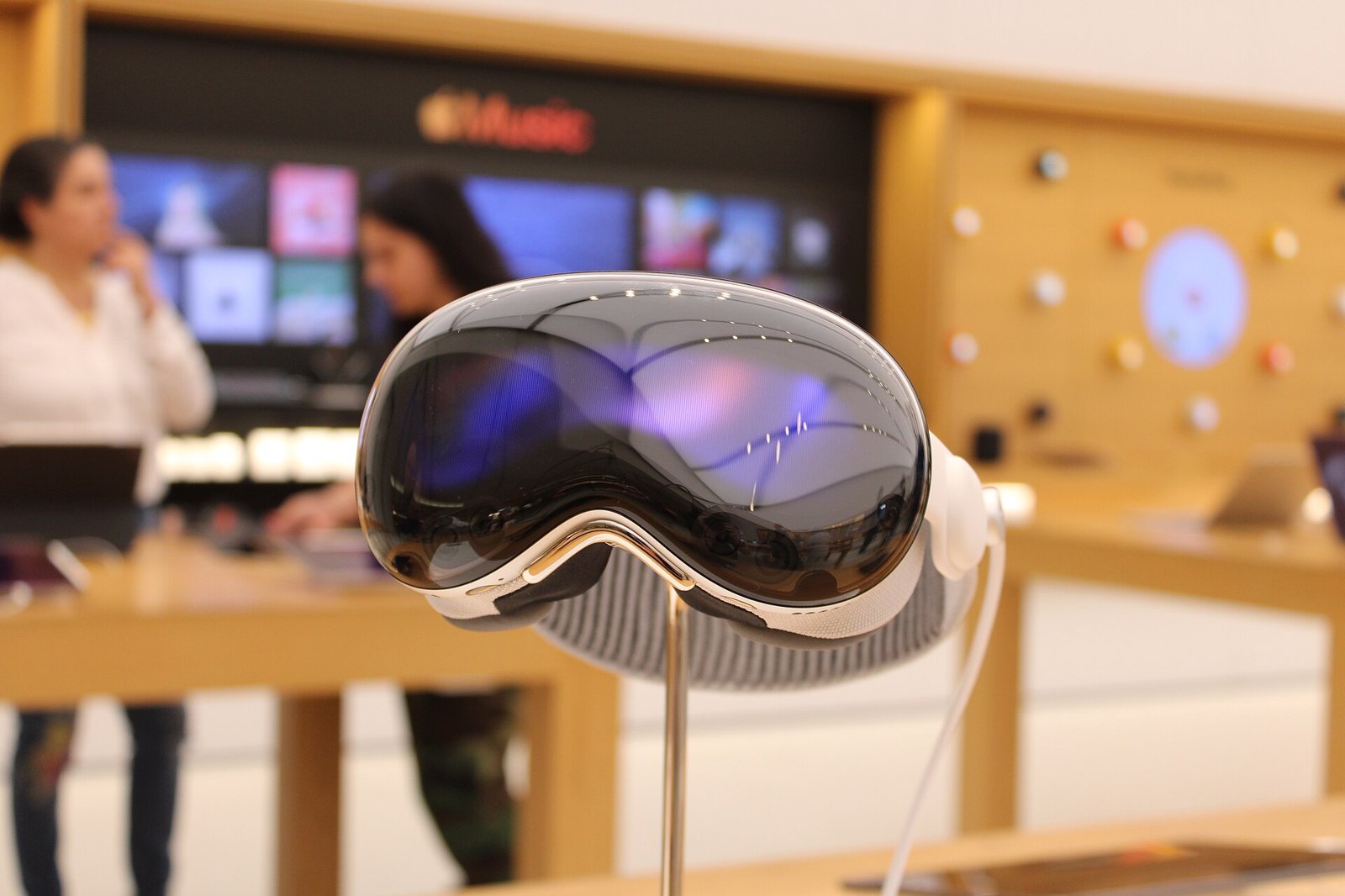
The Developer Strap is the accessory that SWAPS out Vision Pro’s right audio strap to add a USB-C PORT. Apple sells it through its developer site, and MacRumors reported the second-generation version at $299 in the U.S., available to Apple Developer Program MEMBERS. For a TOLT user, that is an EXTRA purchase on top of a headset that already costs THOUSANDS of dollars. Apple’s manual does not mention ANY other way to make the WIRED connection.
How steering and stopping work
In September, The Mac Observer noted that Apple had NOT explained STEERING or BRAKING ahead of release:
Vision Pro can now drive a power wheelchair with eye tracking but Apple won’t say how steering or braking actually work until it ships “later this year.”
— The Mac Observer (@MacObserver) September 13, 2026
The manual now ANSWERS that. Look to Drive opens from the Dwell Control, Switch Control or AssistiveTouch menu and lays an overlay over the room with EIGHT directional buttons, four straight and four DIAGONAL, plus two red Stop buttons and Pause and Exit controls. Looking at a direction SENDS a movement COMMAND. Looking at NOTHING, at Stop, Pause or Exit, or simply CLOSING your eyes sends a STOP. Apple also lists AUTOMATIC stops if the headset is REMOVED, loses its link to the controller, loses power, or drops below 10% BATTERY. One detail users SHOULD know: you cannot Exit while the feature is PAUSED.
The limits are STRICT. Apple says not to use Look to Drive on or near ROADS, around stairs, drop-offs or glass doors, in LOW light, or in rain or fog, and not while Vision Pro is connected to wall POWER. It RECOMMENDS supervision by an adult “trusted supporter” and asks that supporter to CONFIRM control is OFF after EVERY session. The feature does not report the chair’s mode or speed, so the user has to WATCH the controller’s own display. Event logs stay on the device for one hour by DEFAULT, with 24-hour and Never options.
A listed device, not a cleared one
The FDA’s public registration and listing data, searched through openFDA, shows Apple LISTED “Look to Drive Feature (LDF)” on September 11, 2026 under product code KNO, “Accessories, Wheelchair,” a CLASS I category under 21 CFR 890.3910. The record carries NO 510(k) or PMA number. That fits a LOW-risk wheelchair accessory LISTING rather than a clearance, but the record alone does not show the FDA REVIEWED the feature, and Apple has not DESCRIBED its regulatory path in PUBLIC.
The software bridge has a known ORIGIN. Northwestern University said in June that its Project DRIVE BUILT the open Wheelchair Digital Interface that Apple uses to turn gaze input into signals a wheelchair controller UNDERSTANDS, with LUCI among the project’s PARTNERS.
What is STILL missing is any NUMBER on how many people have used it. NEITHER Apple nor Tolt has said how many users are driving with Vision Pro, and Apple’s two-controller list means people with OTHER alternative drive systems cannot use the feature at ALL for now. For TOLT owners, the practical CHECKLIST is visionOS 27, a $299 STRAP, a CABLE, and a controlled SPACE.
Sources: Apple, Look to Drive Feature Instructions for Use, GID-6047370 Rev A, August 2026; Tolt Technologies via EIN Presswire, October 1; Mobility Management, October 7; FDA registration and listing data via openFDA; MacRumors, October 22, 2025; Northwestern Now, June 2026; The Mac Observer (@MacObserver) on X. Image: BobSmith810, CC BY 4.0, via Wikimedia Commons.
