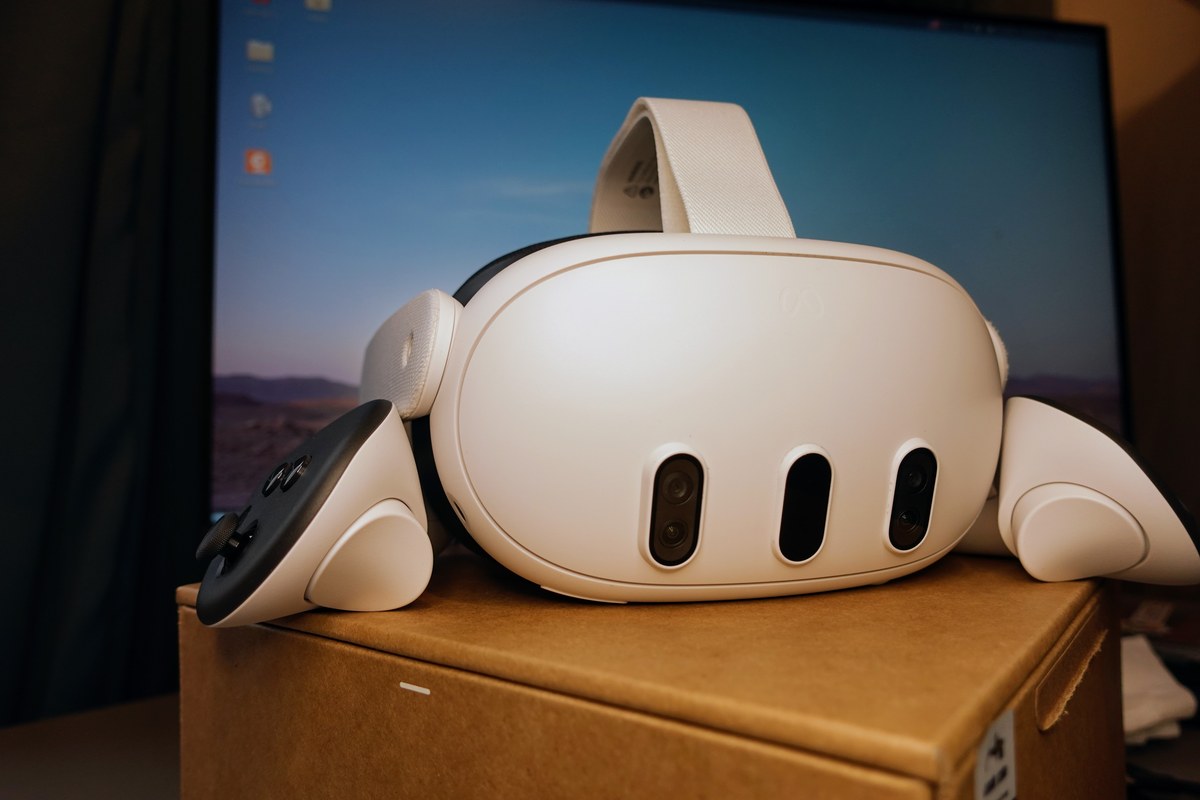
UploadVR’s Craig Storm finds Meta Virtual Display on macOS now matches the Windows path that mattered: look-at-Mac quick connect, Portrait/Compact/Wide/Ultrawide layouts, and Touch-controller input forwarding. Remote Desktop’s rename under Horizon OS 2.7 is the packaging; Mac parity is the news.
UploadVR reports that Quest’s first-party computer-in-headset stack, now branded Meta Virtual Display, has closed most of the practical gap between Windows and Mac. Looking at a physical Mac in passthrough now surfaces the same floating “Connect to view in headset” prompt Windows 11 users have had since Meta’s Mixed Reality Link flow landed in late 2024. Storm tested the prompt on an M2 MacBook Air and on a 2017 27-inch 5K iMac running macOS Ventura—hardware where Meta’s older Remote Desktop client had failed for more than a year.
What Mac actually gained
Once connected, the macOS client exposes the same core display formats Meta previously pushed on Windows: Portrait, Compact (16:9), Wide (21:9), and Ultrawide, plus Larger text / Default / More space density controls. Storm’s tested Mac client build is Meta Quest Virtual Display 104.0.0.1.109. Multi-monitor support up to three large virtual screens is part of Meta’s current Virtual Display pitch for both platforms.
Quick connect is not universal across every Intel Mac Storm tried. A 2017 MacBook Pro (Intel Core i5) on Ventura could stream through Virtual Display, but the floating look-at-Mac prompt did not appear. Treat model-level variance as still real even as the headline Mac/Windows feature list converges.
Input forwarding, with a hard edge
The more consequential change is input. Meta support had previously framed Remote Desktop as a one-way view: Quest controllers could not drive the host. UploadVR says that is no longer true on Windows or Mac. Touch controllers can move the cursor and click inside the streamed desktop.
The remaining seam is environment switching. Storm could use a MacBook trackpad to control the Mac desktop inside Virtual Display, but that cursor does not escape into Horizon OS panels or Quest system UI. Third-party apps such as Fluid that pair a Bluetooth mouse directly to the headset can cross that boundary, which points to a Virtual Display input model, not a missing mouse stack in Horizon OS.
One app, three source types
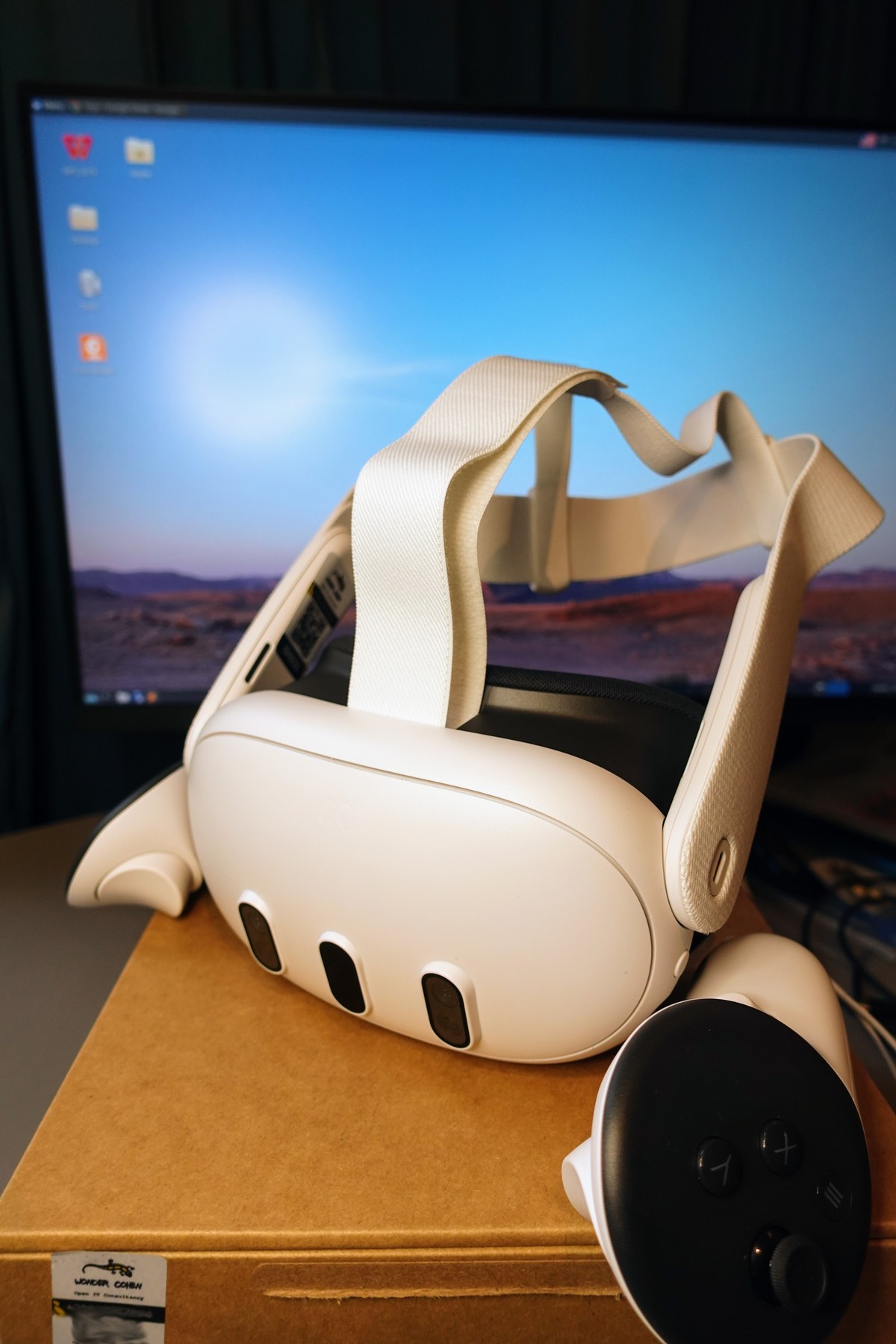
Horizon OS 2.7, which began rolling out the week of August 17, is where Meta documented the Remote Desktop → Virtual Display rename and folded Meta Quest HDMI Link into the same app. Compatible HDMI-to-USB-C capture can put consoles, handhelds, and phones on a large virtual screen; Meta says the standalone HDMI Link app will wind down while the capture path continues inside Virtual Display.
Connection stacks still differ under the glass. Windows 11 pairs through Microsoft Mixed Reality Link; Mac and older Windows use Meta’s Virtual Display client. For the day-to-day experience UploadVR cares about—formats, multi-monitor layout, and look-at-device connect—macOS is no longer the clearly second-class lane.
Sources: UploadVR (Craig Storm, Sep 8, 2026); UploadVR on Windows Mixed Reality Link; UploadVR on Horizon OS 2.7 / HDMI Link merge; Meta Quest Help: Meta Virtual Display.