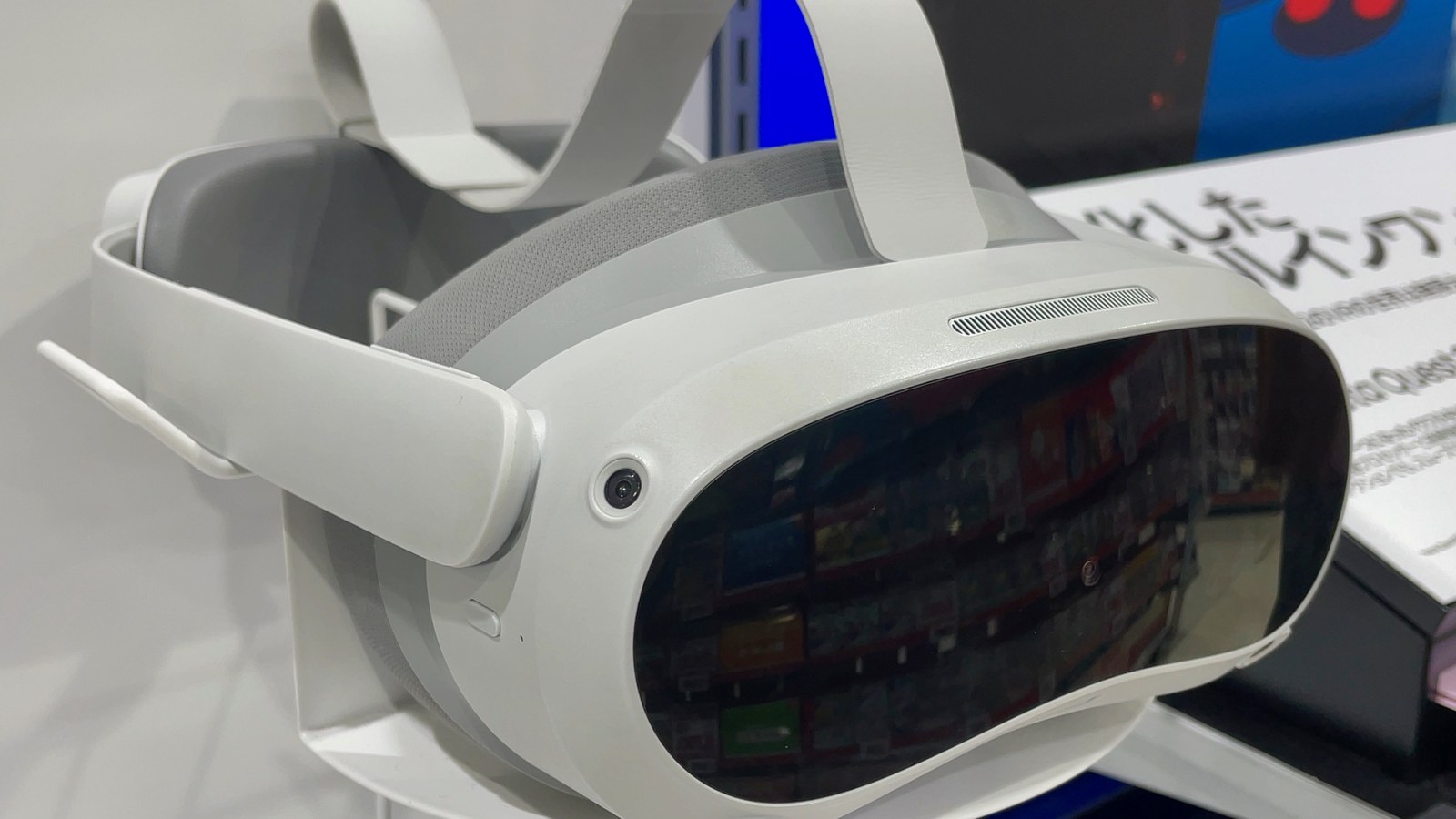
PICO has shipped PICO CLI 0.5.0, a command-line toolchain built so AI coding agents can create, build, and debug spatial apps for PICO Space Pro and PICO OS 6 without the usual Android Studio gauntlet. Chinese trade desk Nweon and VR陀螺 both clock the release around September 15–16, 2026; European coverage from Holographica and Real o Virtual matches the same feature set.
What 0.5.0 actually does
Install is a single npm path: npm install -g @picoxr/pico-cli && pico-cli setup. Setup wires Skills and a local knowledge base into one of five supported agents—Claude Code, Codex, Cursor, TRAE, or GitHub Copilot—so the agent can create projects, build, install to the emulator, pull logs, and iterate without the developer memorizing each command. SDKs ride in with project templates; emulator and editor components download on demand. Android Studio is not required for the Spatial SDK route, according to the same reports.
First-party coverage for 0.5.0 spans:
- PICO Spatial SDK — native Kotlin apps with SpatialUI, full create/build/run on emulator and device
- PICO Unity SDK — Unity Spatial and Unity XR projects (local Unity still required)
- SpatialML — convert ONNX, TFLite, or PyTorch models into on-device inference artifacts
- WebSpatial — HTML/React spatial apps; this release adds debugger/preview support only
Why it matters for Space Pro
PICO delayed Space Pro into Q4 2026 for a major software upgrade after canceling a September 2 Beijing event. CLI 0.5.0 is the clearest developer-facing signal yet that OS 6 spatial work is meant to be agent-driven rather than IDE-first. Holographica notes PICO also published an open repository of AI helper plugins (Skills, MCP configs) for Spatial SDK and Unity. Official command-line docs remain on the PICO Developer site.
None of the coverage claims the CLI replaces Unity for game-scale work, and Unity projects still need a local editor. What changes is the outer loop: natural-language prompts can drive project scaffolding, emulator installs, screenshot/log capture, and a fix cycle the agent runs largely on its own—including on a tethered headset with Profiler hooks for frame-rate issues.