Seated vs standing vs room-scale VR is a choice about physical movement, available space and a game’s supported controls—not a ranking from basic to advanced. A seated session can be the right fit for one experience, while another requires space to step around. Choose the supported play style that fits both your room and your needs.
The important distinction is between moving through the virtual world and moving across your actual floor. Do not assume a large virtual environment requires a large physical room, or that sitting automatically makes every game accessible. This comparison uses official headset documentation for space requirements; the decision checklist is practical editorial guidance, not a hands-on test or a medical recommendation.
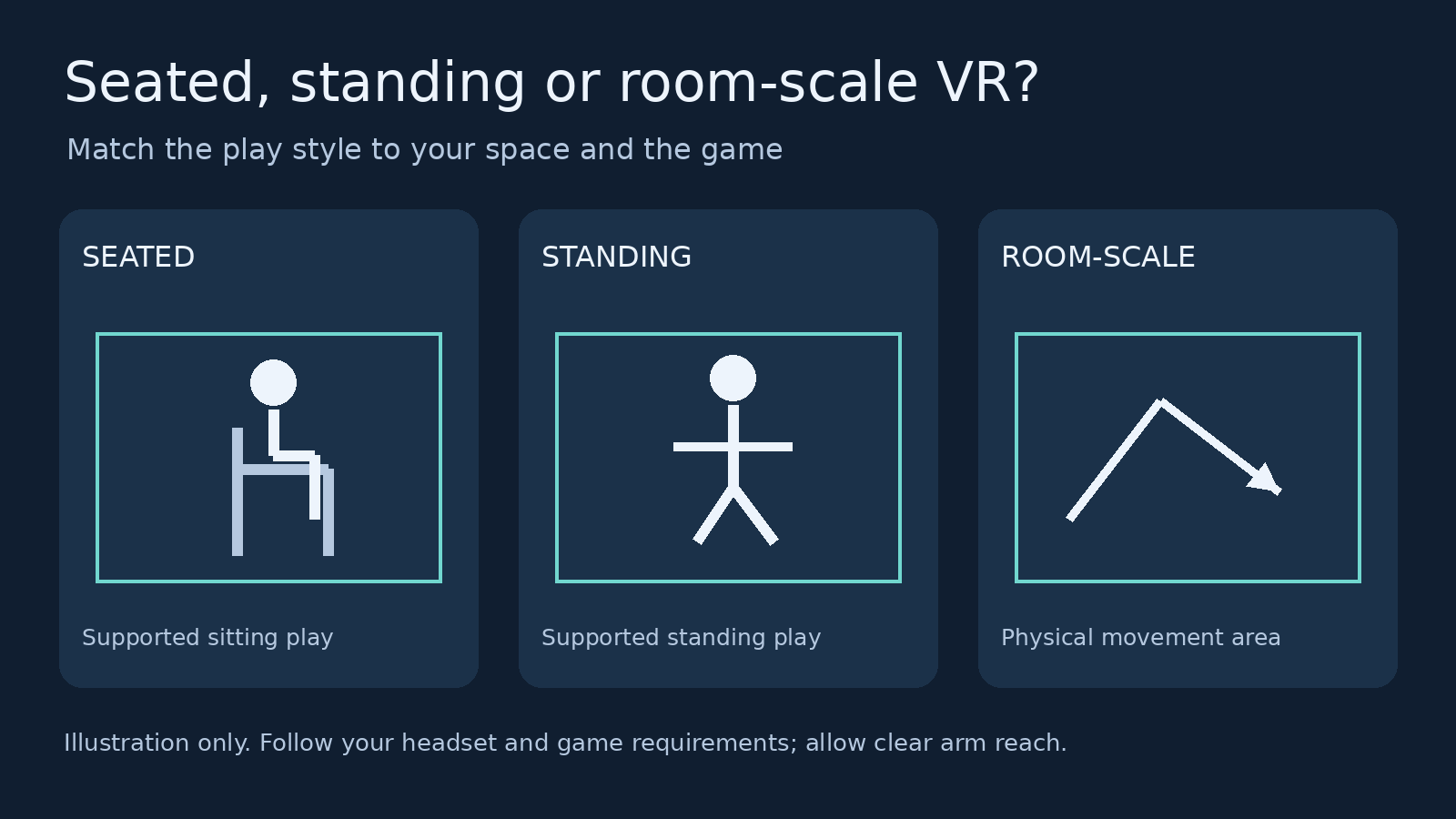
Seated, standing and room-scale VR compared
| Play style | Physical position | Choose it when | Check before starting |
|---|---|---|---|
| Seated | You play from a chair or another supported seated position. | The game supports sitting and its controls are reachable from your seat. | Chair stability, controller clearance, seated height and turning options. |
| Standing | You stand within your designated play position. | The game supports standing and you have safe clearance for its movements. | Arm reach, overhead clearance, floor hazards and cable position. |
| Room-scale | You move physically around a cleared play area. | The experience supports or requires movement and you meet its space requirements. | Clear floor dimensions, boundaries, obstacles and the game’s specific instructions. |
Read these as starting points, not permission to use any game in any position. Sony explicitly tells players to check each title’s supported VR play styles. Those appear on digital-game details screens and disc packaging. A headset supporting all three styles does not mean every application supports all three.
How much space does each style need?
There is no single room-scale measurement that applies to every headset. In its PS VR2 play-area documentation, Sony lists at least 1 × 1 metre for sitting or standing and 2 × 2 metres or larger for room-scale. It also stresses free movement of the Sense controllers. Follow the setup prompts and the game’s requirements rather than treating the quoted floor dimensions as your only safety check.
HTC’s original VIVE support page specifies a minimum of 2 × 1.5 metres for room-scale. It lists no minimum for seated or standing experiences. That wording is specific to that documentation: it does not mean a player needs no clearance to move controllers, and it should not be substituted for Sony’s requirements.
The difference exists even within a manufacturer’s range. HTC’s VIVE XR play-area guide calls for an obstacle-free 1.5 × 1.5-metre space for its room-scale setup and offers a stationary setup for sitting or standing if that space is unavailable. Check the page for your exact headset, then check the application.
| Official documentation | Room-scale requirement listed | Sitting or standing guidance |
|---|---|---|
| PS VR2 | 2 × 2 metres or larger | At least 1 × 1 metre; controllers must move freely. |
| Original VIVE | 2 × 1.5 metres minimum | No minimum stated on this support page; clear reach remains necessary. |
| VIVE XR guide | 1.5 × 1.5 metres, free from obstacles | Stationary setup offered for sitting or standing. |
These are documentation comparisons, not a complete list of supported headsets. Do not apply the smallest number in the table to a different device. Also distinguish the room’s wall-to-wall size from the usable floor area after furniture and hazards are excluded.
When seated VR is the better choice
Start with seated play when sitting is your preference or requirement and the experience explicitly supports it. Before committing to a longer session, inspect its settings for seated mode, height adjustment, recentering and controller turning. Treat these as features to verify, not features every game necessarily includes.
For a practical reach check, take your intended seat with the headset off and hold the controllers. Slowly check the hand positions the experience will require: forward reach, reaching down and reaching to either side. If an armrest or desk blocks those positions, change the arrangement before launching. Do not assume that an in-game height adjustment can remove a real obstruction.
Use a stable seating arrangement suited to you and follow the headset’s safety instructions. Check where any headset cable lies before turning. If a game expects an action you cannot perform comfortably from that seat, look for an alternative control or choose another supported experience rather than forcing the movement.
Seated compatibility is only one part of accessibility. A useful pre-purchase question is whether the specific actions you need—such as turning, reaching an inventory or interacting below waist level—have workable controls. Seek current developer documentation for those details rather than relying on a generic sitting icon alone.
When standing VR makes more sense
Choose standing when the application supports it and its interaction style fits your available clearance. The key is not simply whether you can stand in the room. Ask whether your hands can complete the required movements without hitting furniture, walls or an overhead fixture.
Make the first clearance check with the headset off. Inspect the floor, surrounding surfaces and space above you. A low coffee table can be outside your feet’s immediate position but still inside a controller’s reach. Do not use the size of your stance as the measurement for your whole play space.
Standing should not be treated as permission to wander. Sony’s safety guidance distinguishes standing from room-scale movement. Follow the intended play style and on-screen instructions, and stop to reassess if the experience pushes you toward an obstruction or requires movements your setup cannot accommodate.
When room-scale VR is worth the extra space
Room-scale is the appropriate choice when the game calls for physical movement and you can provide the required clear area. The practical benefit is the ability to change your real position within that area. It is not a promise that you can physically walk through an entire virtual map or ignore the application’s movement controls.
Measure the usable area after moving obstacles, not before. HTC explicitly warns against tracing a boundary across space occupied by a table or chair in its furniture and play-area guidance. A boundary drawn through furniture does not make that furniture safe to approach.
On PS VR2, Sony says the boundary appears as you approach it; leaving the area pauses the game and shows your surroundings. Those functions describe how that system responds, not a guarantee against collisions. Keep a sensible buffer around hazards and follow the manufacturer’s instructions. Never enlarge a boundary simply to make a space check pass.
A five-question decision checklist
- What does the game support? Check the current store listing and developer guidance for sitting, standing or room-scale support.
- What does your exact headset require? Use its documentation and setup prompts, not a minimum quoted for another product.
- What space is actually clear? Exclude furniture, cables and other hazards before measuring the usable floor.
- Can you reach the controls safely? Check the physical movement and available in-game adjustments for your needs.
- What changes between sessions? Reassess after moving a chair, changing rooms or rearranging furniture. Keep other people and pets out of the active space.
For example, if your cleared area meets a standing requirement but not the game’s room-scale requirement, select a supported standing experience. Do not stretch the boundary over a sofa. If sitting is necessary but the store lists only standing, seek explicit clarification from the developer instead of assuming that recentering will solve every interaction.
Common questions
Does stationary mean seated only?
Not necessarily. HTC’s VIVE XR guide describes stationary setup as suitable for interacting while sitting or standing. Read the terminology used by your own headset and game; a boundary option is not the same thing as an application’s supported posture.
Can I use a room-scale game in a smaller room?
Only use a play style and space the game and headset support. If the required room-scale space is unavailable, choose a supported alternative experience. Do not disable or misrepresent the boundary to bypass a requirement.
Does sitting guarantee comfort?
No. A supported seated mode answers a posture question, not every comfort or accessibility question. Evaluate the movement settings and your own response. Our VR motion-sickness guide discusses comfort considerations separately; do not interpret sitting support as a medical guarantee.
The practical choice
Choose seated for supported play from a suitable seat, standing for supported interactions within a cleared standing space, and room-scale when physical movement is part of the experience and the required area is genuinely available. None is automatically superior. A compatible play style in a properly prepared room is more useful than a larger boundary on paper.
For related planning, see our Meta Quest setup guide and PS VR2 games guide. Confirm the current play-style listing for any game before buying. Official support pages linked above were checked November 5, 2026.