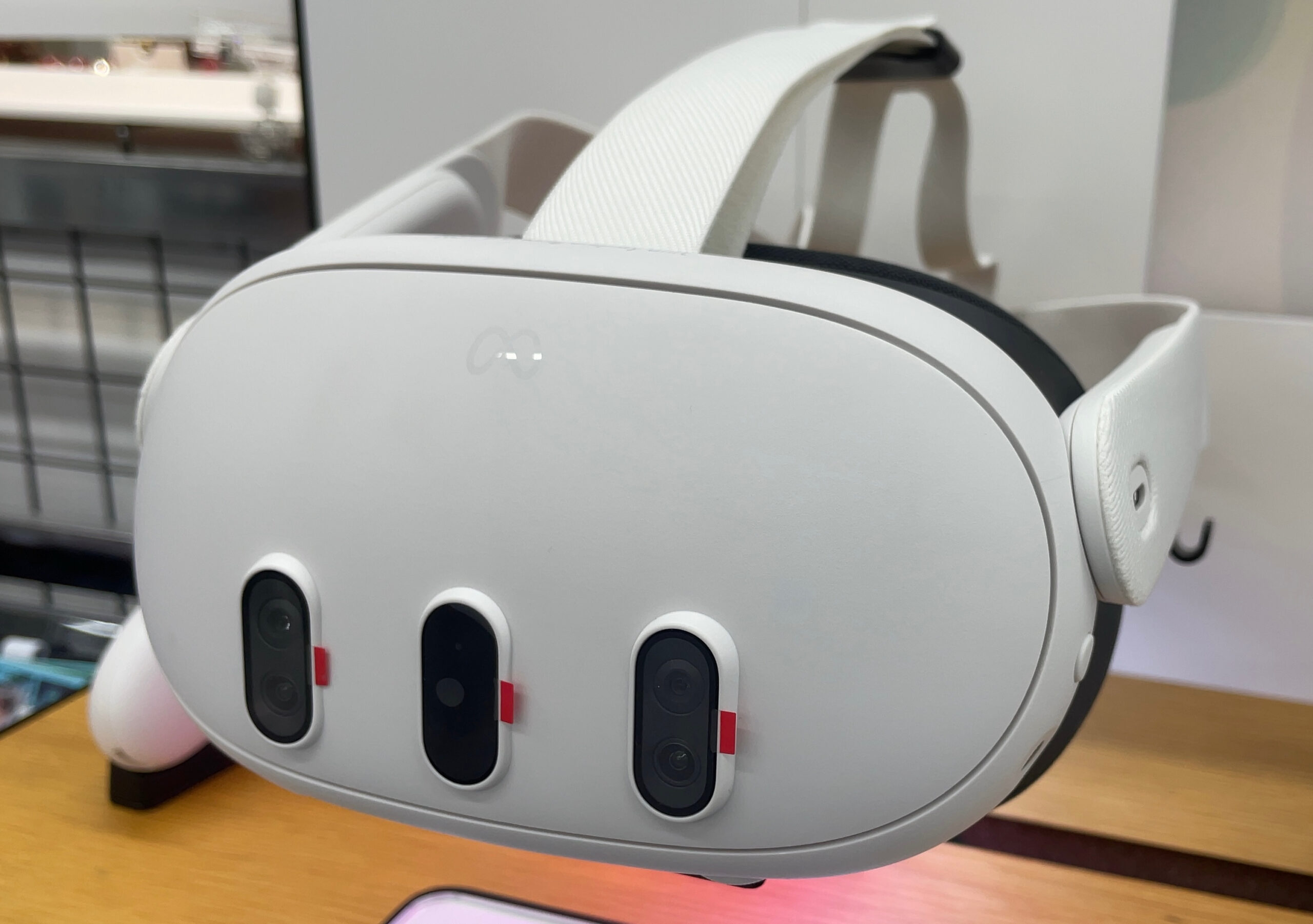
Horizon OS 2.7 quietly unlocked something Quest 3 owners have wanted since launch: display refresh rates well past 120 Hz. Apps can now ask for up to 207 Hz through the same APIs they already use for 90 or 120. A separate 240 Hz path exists, but only behind Developer Mode and display scaling that trades resolution for bandwidth. The distinction matters more than the headline.
What Horizon OS 2.7 actually changed
Since launch, Quest 3 supported fixed modes up to 120 Hz (72, 80, 90, 120), with 96 Hz and 100 Hz added earlier for developers. With Horizon OS 2.7, Meta introduced extended refresh rates: according to coverage summarizing Meta’s developer documentation, the Quest 3 panel accepts any integer refresh rate from 72 Hz through 207 Hz, and apps request those rates through standard APIs.
UploadVR and Road to VR (Aug. 31, 2026) both report the feature rolling out on retail Quest 3 units with the 2.7 build. Meta’s own language, quoted across those reports and in VR.org’s Aug. 31 write-up, is unambiguous: the capability is exclusive to Meta Quest 3. It is not available on Quest 3S, Quest 2, or Quest Pro.
207 Hz is the real ceiling for most users
Two hundred seven is the number that matters for store apps and everyday use. At that rate the frame budget shrinks to roughly 4.8 ms per frame (versus about 8.3 ms at 120 Hz), which is why Meta’s guidance — as relayed by VR.org — steers developers toward light scenes: rhythm games, competitive shooters, sports and racing titles, and simple high-contrast environments. Dense scenes with heavy post-processing remain poor candidates.
Meta also tells developers not to require extended rates for an app to run, and not to assume future headsets will support rates above 120 Hz. That hedge is as important as the unlock: 207 Hz is a Quest 3 SKU feature, not a Horizon OS platform guarantee.
240 Hz requires Developer Mode — and costs resolution
Above 207 Hz the rules change. Reaching 240 Hz requires Developer Mode plus ADB properties that enable display scaling: frames are rendered at a lower resolution, then upscaled by the display hardware. Meta’s documentation, quoted by UploadVR and VR.org, states that display scaling “trades image quality for bandwidth,” and that the upscaled image “is not identical to a natively rendered full-resolution image,” with differences visible in fine detail such as small text and thin geometry.
Skarredghost’s Sept. 1 hands-on documents the two ADB commands commonly cited for forcing 240 Hz (debug.oculus.forceDisplayScaling and debug.oculus.refreshRate), and notes that 240 Hz cannot be enabled by app developers as a standard store request. In short: 207 Hz is the full-resolution path; 240 Hz is a developer/demo path with a visible quality tradeoff.
Who is using the higher rates so far
Native Quest titles rarely push past 120 Hz even when the panel allows it, and Application Spacewarp’s extrapolation path does not cleanly extend into the new range on Quest 3’s SoC, according to Road to VR. The early adopters are tools that already chase high frame rates:
- Virtual Desktop added 144 FPS support for Quest 3 on its beta channel (reported by UploadVR; developer Guy Godin posted about the update around Aug. 29, 2026).
- Quest Games Optimizer is likewise offering higher-rate modes in coverage from UploadVR.
- The Unity Cube, Skarredghost’s minimal Horizon Store demo, was updated to request 207 Hz and is among the first store apps publicly demonstrating 200+ Hz on-device — useful as a smoothness test, not as a content showcase.
PC VR streaming still faces decoder limits; Godin’s notes, summarized by Road to VR, suggest video decode trouble past 144 FPS, so wireless PC VR is unlikely to simply jump to 207 on this generation.
Competitive timing vs Steam Frame
Road to VR framed the unlock partly as competitive positioning: with Valve’s Steam Frame approaching launch and reportedly targeting experimental rates around 144 Hz at a higher price point, Meta showing that a $600 Quest 3 panel can run far higher refresh rates is an obvious comparison point — even if most native Quest software cannot fill the new budget yet.
Whether that reading is deliberate strategy or convenient timing, the practical outcome for owners is the same: the hardware ceiling moved; the software floor did not.
What to take away
If you own a Quest 3 on Horizon OS 2.7 or later, extended refresh rates are real. Treat 207 Hz as the honest full-resolution ceiling available to apps via standard APIs. Treat 240 Hz as a Developer Mode experiment that lowers render resolution before upscaling. Quest 3S buyers do not get either path. For more detail, start with UploadVR’s Horizon OS 2.7 report, Road to VR’s Aug. 31 analysis, VR.org’s documentation walkthrough, and Skarredghost’s Unity Cube test. Meta’s Quest help and developer display-rate docs are the authoritative reference for the exact API surface as they update.
1 thought on “Quest 3 Just Hit 207 Hz. The 240 Hz Mode Costs Resolution.”