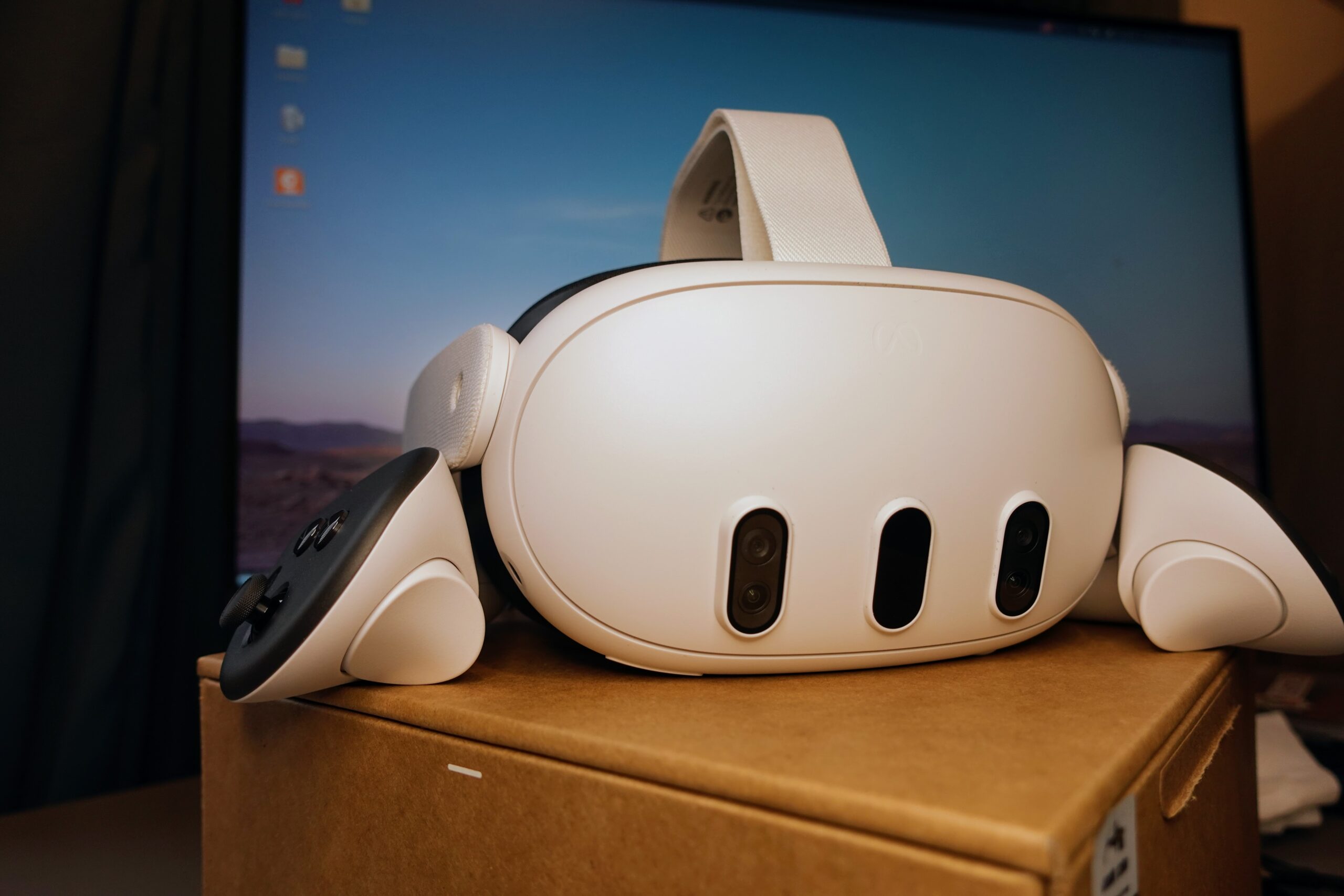
Meta’s Public Test Channel build of Horizon OS v2.9 is not only about window layout. September 30 coverage of Meta’s Quest release notes highlights a quieter RELIABILITY layer: an in-headset path for a Touch controller that has STOPPED RESPONDING, a BOUNDARY FALLBACK when room scanning is interrupted, and Settings search that still works when the headset is OFFLINE.
That is a DISTINCT beat from today’s earlier Metaverse Watcher note on the three-window manager. Same PTC train — different FEATURE surface. The utility work matters to people who already own a Quest and hit the boring FAILURES that kill a session faster than a missing productivity panel.
Controller Help Without Leaving the Headset
According to Mixed News, citing Meta’s v2.9 PTC notes, owners can open Settings → Devices → Controllers and use a new Troubleshoot controllers option when a Touch controller STOPS RESPONDING. Meta has NOT published a public step-by-step of what the tool runs, and the notes do not name every supported controller beyond a “touch controller.” Still, the MENU PATH matters: until now a dead controller usually meant batteries, phone-app re-pairing, or a FACTORY RESET as a last resort.
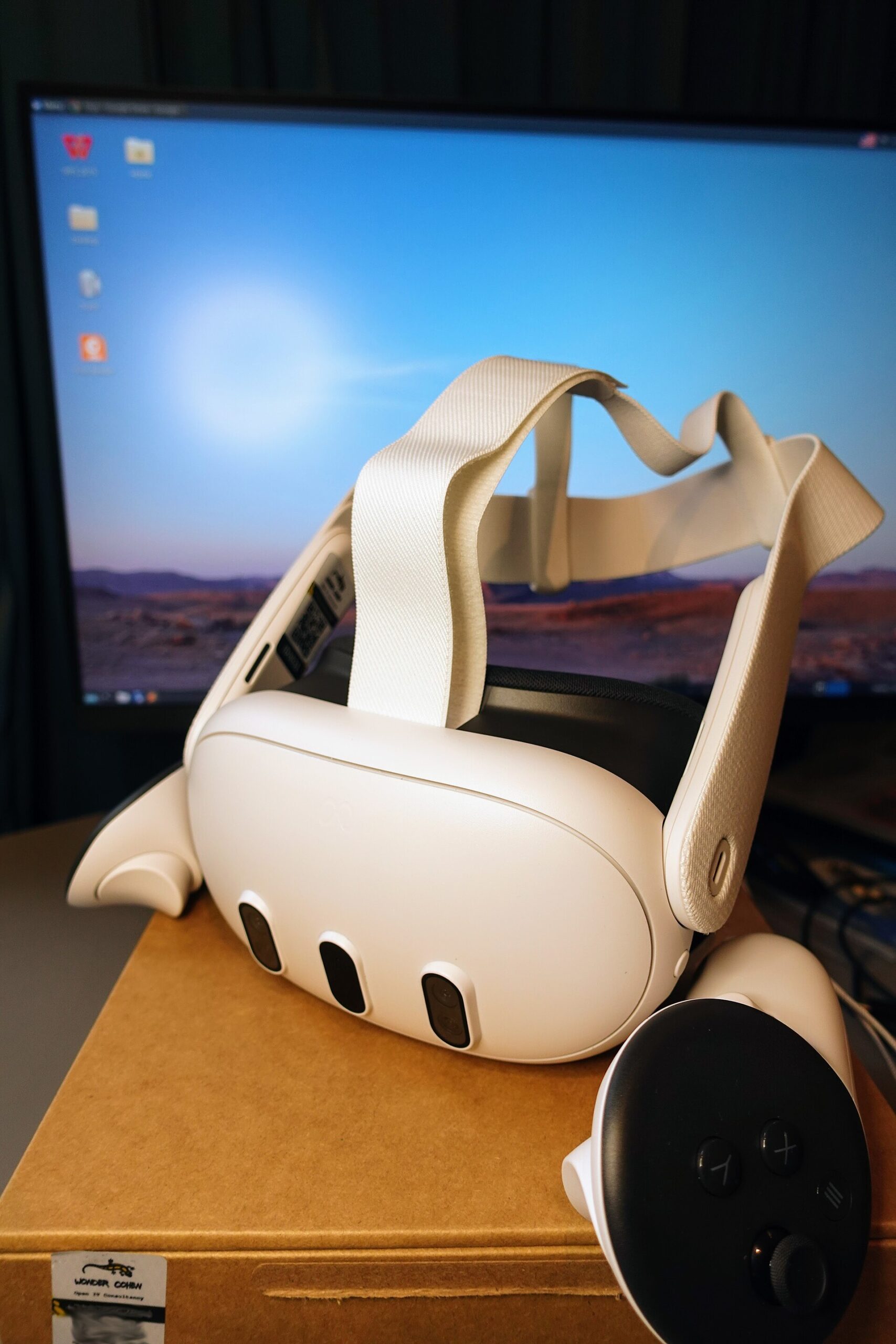
The same Controllers area already gained Xbox gamepad emulation for Touch in the v2.7 update (August 2026). Putting FAULT FINDING next to those options keeps troubleshooting ON-DEVICE — useful when the phone app is the LAST thing you want to dig for mid-session.
Interrupted Scans Keep a Usable Boundary
The second change is the one that hurts most on a large room. Meta’s notes, as reported, say: if BOUNDARY SETUP or SPACE SCANNING is interrupted, Quest “now reverts to your PREVIOUS boundary or defaults to a STATIONARY boundary.” An interrupted scan used to mean starting the WHOLE ROOM over. Falling back to Stationary at least leaves a CONSERVATIVE play space instead of a half-finished mesh.

Meta has not defined every event that counts as an INTERRUPTION. Treat the note as Meta’s own description of the recovery behavior on the PTC build — not an independent lab measurement of how often scans fail in the field.
Settings Search Works Offline
The third tweak is small and likely USED MORE OFTEN. Settings search can surface Wi-Fi, Bluetooth, Do Not Disturb, Travel mode, or Passthrough “even when you’re OFFLINE,” Mixed News reports from Meta’s notes. That is the moment that matters: a headset that cannot join a network is exactly when you need to FIND the Wi-Fi toggle without a cloud-backed INDEX.

Still PTC Only
Meta’s Quest release notes describe v2.9 features as becoming available starting the week of September 28, 2026 for people enrolled in the Public Test Channel, with a GRADUAL ROLLOUT. There is no published date for a GENERAL RELEASE to RETAIL Quest 3, 3S, Pro, or Quest 2. Enrollment runs through Meta’s PTC help flow; pre-release software is the usual TRADE for going FIRST.
For studios and power users already watching Horizon OS’s PRODUCTIVITY TRACK, these notes are a REMINDER that Meta is also spending PTC cycles on SESSION RECOVERY — controllers, boundaries, and OFFLINE settings — not only MULTI-WINDOW LAYOUT.