Meta is giving Unity studios a PROJECT SCAN for Meta VR Glasses — before anyone can HOLD a retail pair. Meta XR Core SDK 207.0, dated September 22, 2026, ships an experimental Device Readiness Check Tool that generates a READINESS REPORT aimed at the Spring 2027 glasses, and September 30 trade coverage is putting that TOOLING next to the wider FOV-simulation story.

That is a DISTINCT beat from Meta Watcher’s September 27 FOV-simulation write-up. The NEW FOCUS is not another mask on Quest panels. It is a Unity Editor checklist that tells a shipped Quest title what still BREAKS — or at least WARNS — when the same project is aimed at glasses that favor EYES and HANDS over controllers.
What SDK 207.0 Actually Ships
Meta’s own 207.0 release notes label the Device Readiness Check Tool as experimental and describe two modes. Standard mode runs specific project SETUP RULES against the Unity project. AI mode hooks into an agent of the developer’s choice to produce recommendations and automated fixes tailored to that project’s context. Meta’s Bring Your App to Meta VR Glasses guidance adds that the scan looks for CONTROLLER DEPENDENCIES and returns a PRIORITIZED report. Some findings can apply an automated fix, but CODE CHANGES stay under the developer’s control.

Access, per Meta’s Device Readiness documentation path, is through the Unity Editor under Window → Meta → Tools → Device Readiness Check. The same SDK drop also moved the Meta XR SDK Toolbar into a dockable panel (Window → Meta → Meta XR SDK) and expanded experimental Meta XR Operator and Immersive Debugger AI Assistant workflows — adjacent tooling, not the readiness scan itself.
Why Studios Care Before Spring 2027
Meta has said the Quest catalogue is expected on Meta VR Glasses at LAUNCH. Mixed News (Michael Zelich, September 30) notes the practical IMPLICATION: the studios with the most to check are the ones that ALREADY SHIPPED. A readiness report will not invent a hands-first redesign, and Meta’s own guidance is explicit that these tools do not design eye-and-hand interactions and do not REPLACE real device testing. What they can do is surface controller assumptions, setup gaps, and fixable project rules while hardware is still months away.

For context, the same 207.0 package also added FOV simulation under OVRManager and the Immersive Debugger so teams can mask a runtime view to the glasses’ narrower field of view. Meta Watcher already covered that path on September 27. Device Readiness is the COMPLEMENTARY step: scan the project, not just the viewport.
Limits Worth Keeping Straight
The tool is experimental. AI mode depends on connecting a supported agent through Meta’s XR AI tooling stack — Meta’s Connect recap points to agents such as Muse Code for a prioritized list of fixes. Automated suggestions are not a SHIP GATE. Optical differences, battery behavior, and long-session comfort on the ~100-gram glasses-plus-puck system still require HARDWARE that has not reached reviewers’ desks.
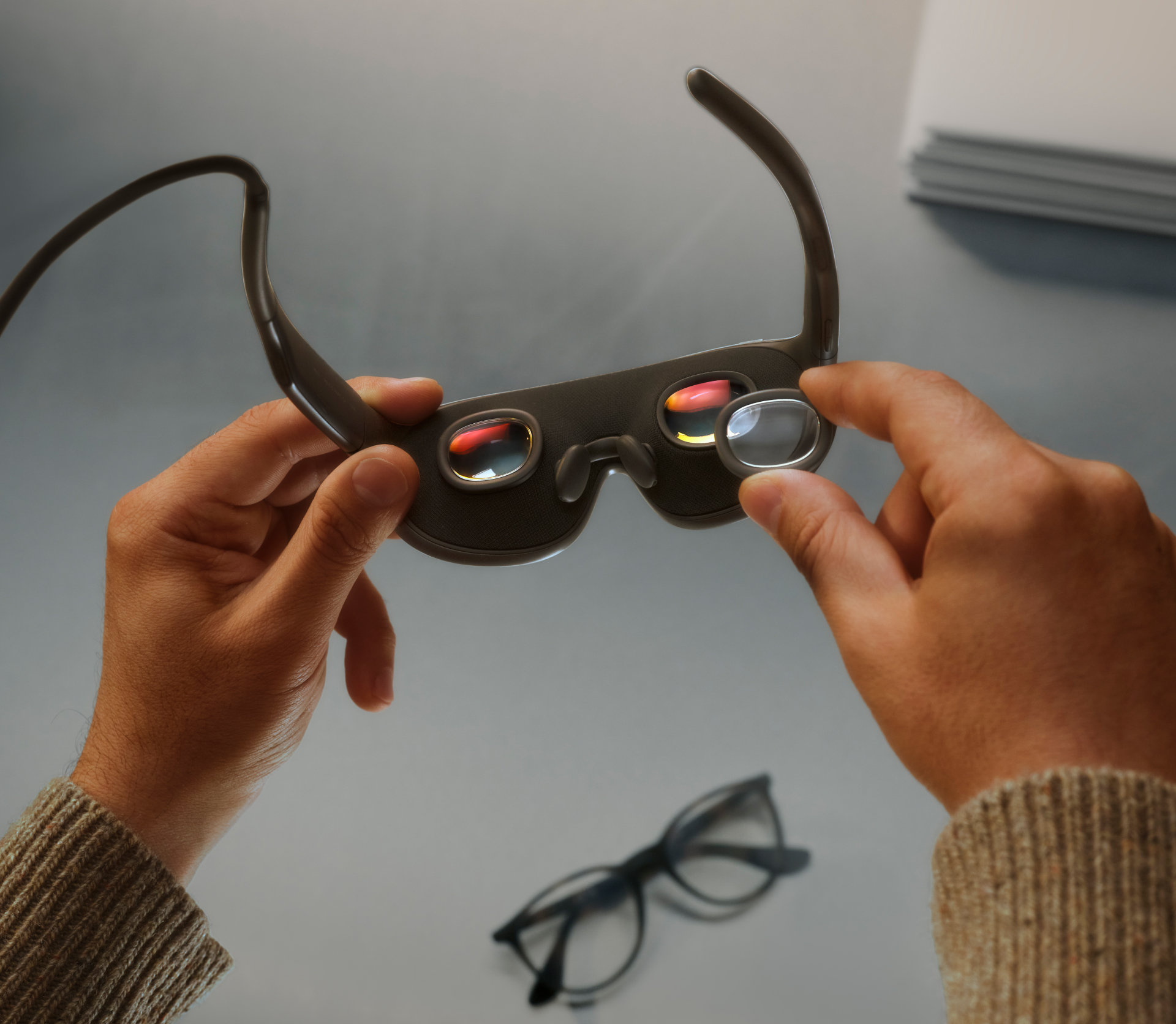
Still, for a catalogue Meta wants READY at spring launch, a Unity-side readiness report is a CONCRETE developer deliverable — not another CONCEPT RENDER. Teams targeting Meta VR Glasses can start from Meta’s Device Readiness Check docs, the Meta XR Core SDK 207.0 package notes, Meta’s Bring Your App to Meta VR Glasses guide, and Mixed News’ September 30 developer-tools roundup.