Safari on visionOS 27 turns any USDZ-backed webpage into a FULL 3D ENVIRONMENT — without a native app, and without a WebXR render loop.
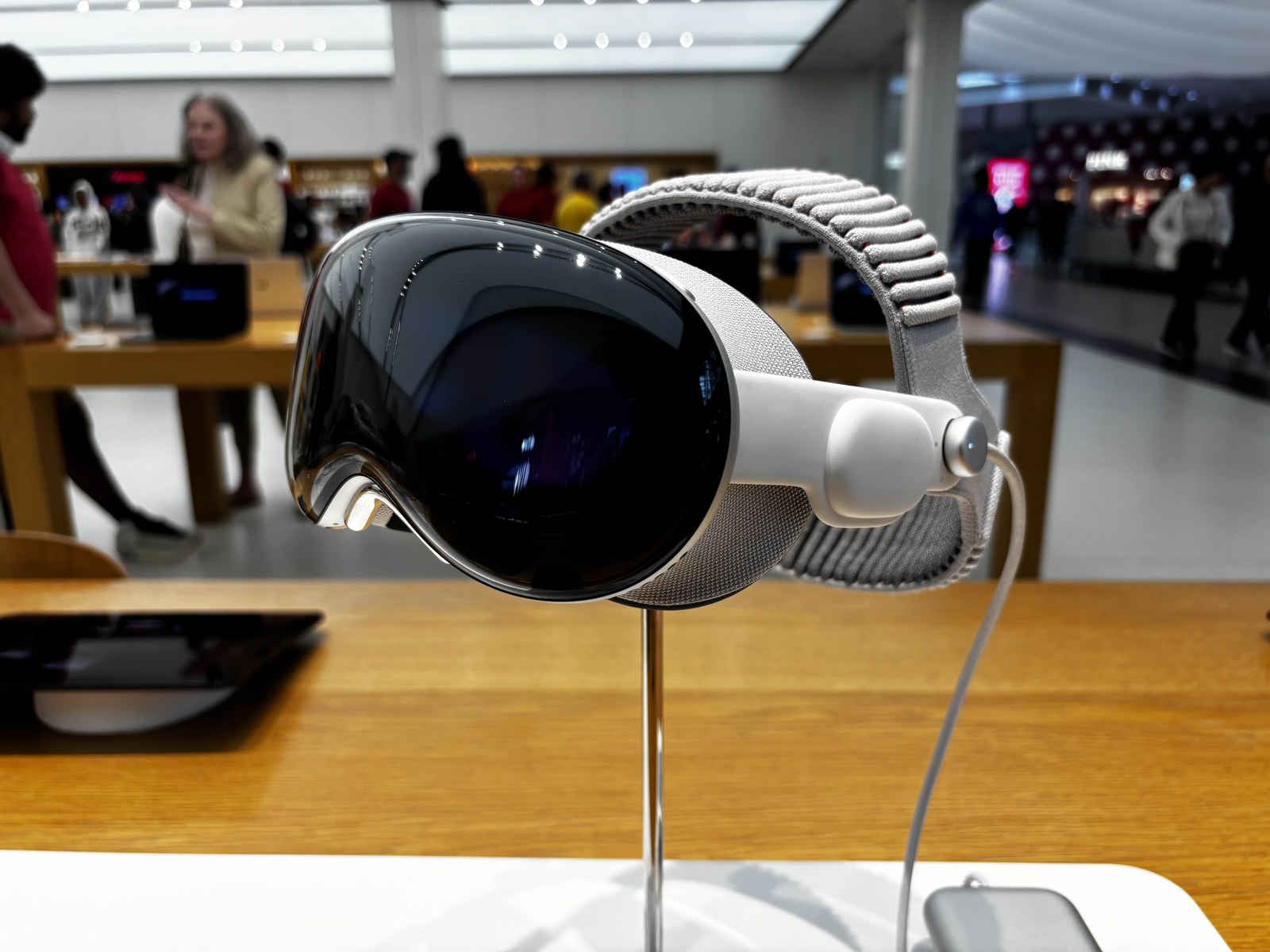
The loudest visionOS 27 headlines were about Siri, panoramas, and curved windows. The QUIETER STORY for the open web landed in WWDC26 session 320 and the September WebKit Safari 27.0 notes: websites can now OPEN immersive environments with an HTML model element and a single JavaScript call — requestImmersive().
That API is modeled on the Fullscreen API every front-end developer already knows. Call requestFullscreen on a video; call requestImmersive on a model. The difference matters. Fullscreen replaces page content. Immersive expands the 3D scene AROUND the page while Safari stays VISIBLE. Apple’s theater-ticket demo shows an inline seat preview, then drops the visitor into the AUDITORIUM at real-world SCALE.
How requestImmersive Actually Works
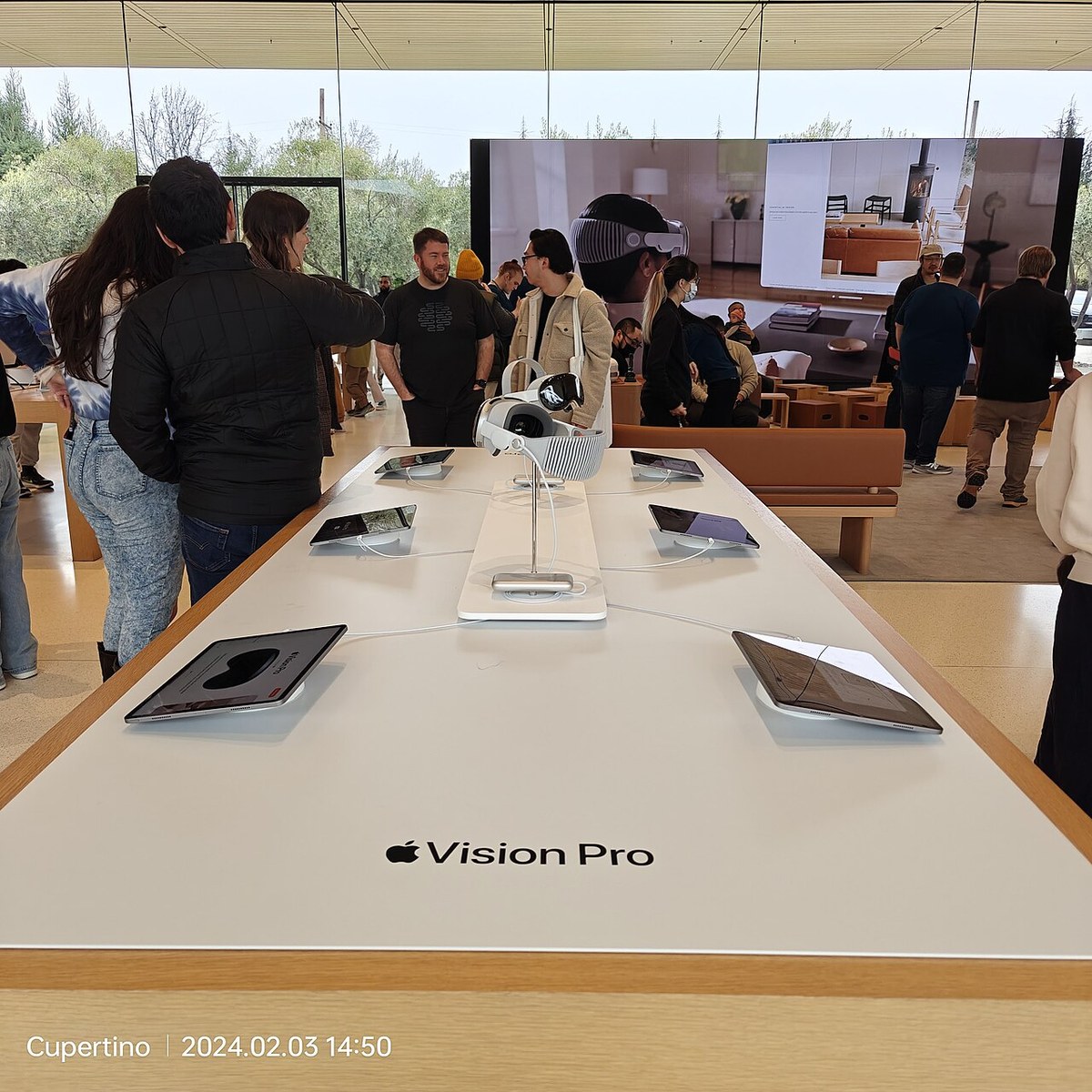
Per Apple’s session and the WebKit write-up, an inline model is CSS-scaled and centered in its layer. An immersive model uses real-world SCALE, anchors at the visitor’s FEET, and opens from BEHIND the Safari window so the page never gets buried. Developers listen for immersivechange and immersiveerror, check document.immersiveEnabled, and can exit via page UI or the Digital Crown.
Bandwidth is first-class. Set display: none on the model and the asset DOWNLOAD defers until immersion is REQUESTED — visitors who never enter never pay for the USDZ. Web Environments are ON BY DEFAULT in Safari on visionOS 27, replacing the older Spatial Backdrop developer preview. Declare a USDZ (optionally with an environment map); Safari handles PRESENTATION, lighting, and SCALE.
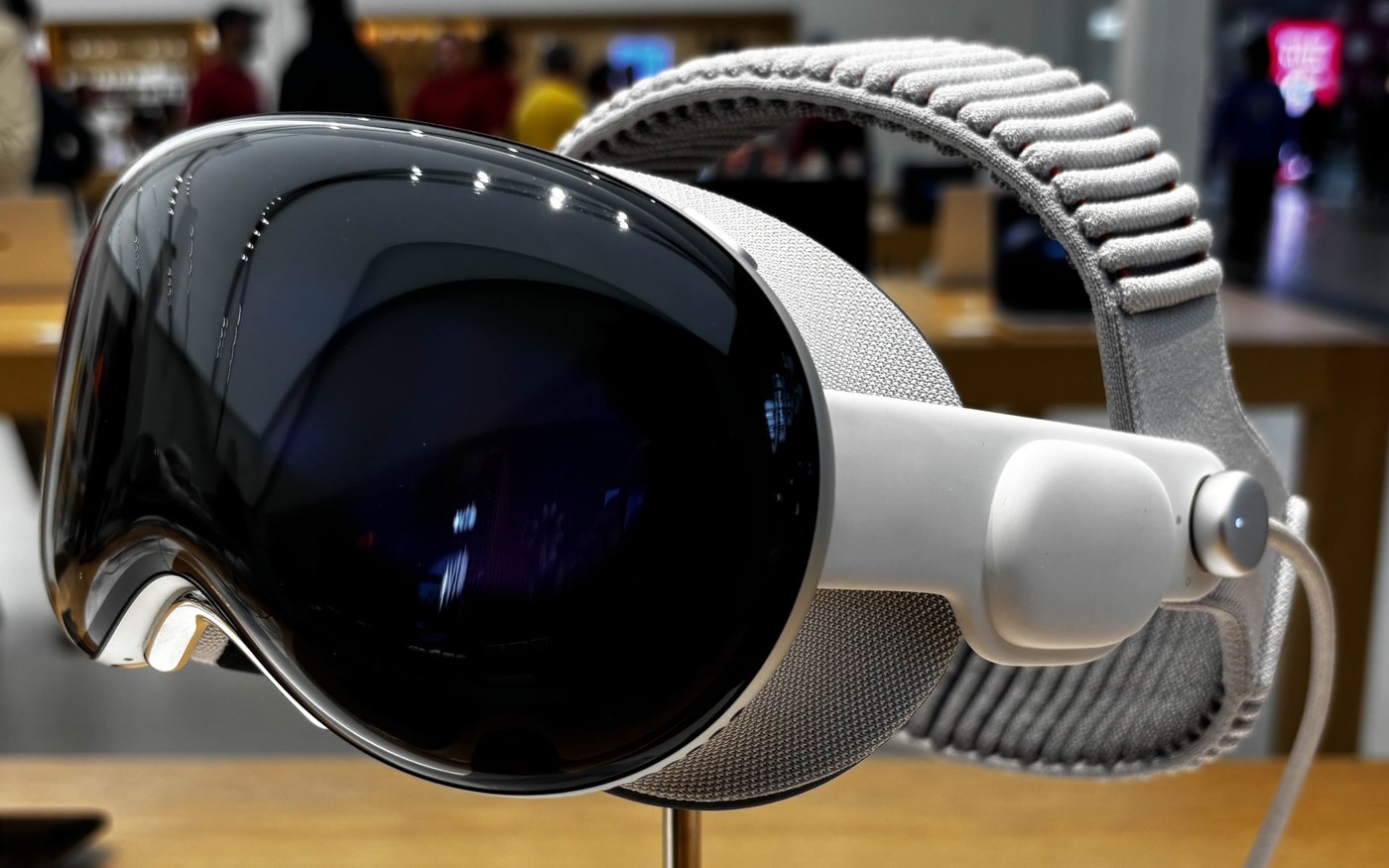
Not WebXR — And That Is the Point
VR.org draws the line cleanly. WebXR is imperative: request a session, run a render loop, draw every frame. The model-plus-requestImmersive path is DECLARATIVE. Hand Safari a USDZ and one API call; the browser owns presentation. Games and full apps still want WebXR (especially with WebGPU at baseline). Product pages, museums, real estate, and marketing sites get the LOWEST-EFFORT spatial ON-RAMP Apple has shipped — a static site, a USDZ, and a few lines of JavaScript.
Spatial Insider walked the production path: Blender with Apple’s Website Environment add-on, USDZ plus EXR lighting map, Content-Type headers (model/vnd.usdz+zip, image/aces), and headset testing that no Mac preview can replace. SwiftChronicle notes the gesture rule: requestImmersive() must fire from a USER TAP, or Safari rejects it.
Three Doors, One Strategy
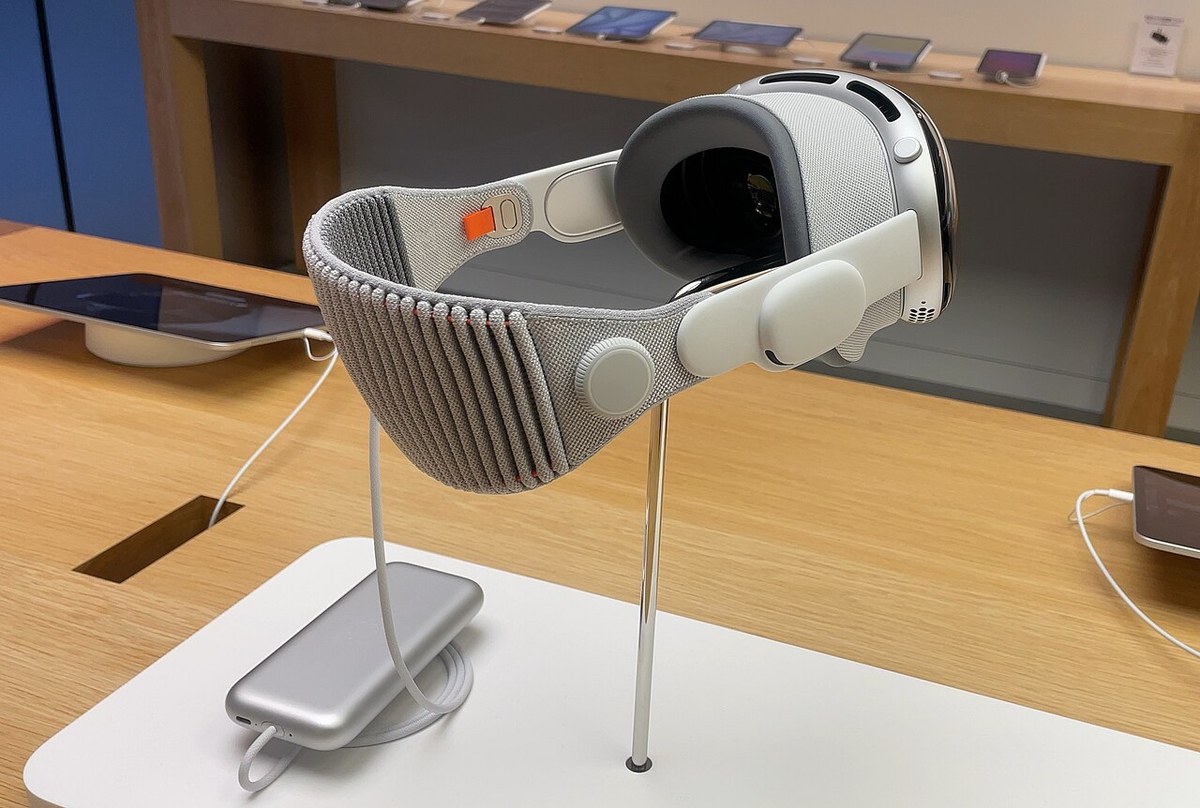
Immersive websites are one of THREE entry points Blake Crosley and VR.org flag in the same release cycle:
- Spatial Web:
requestImmersive, Web Environments default ON, widening and curving Safari windows. - FoveatedStreamingSession + NVIDIA CloudXR: built into visionOS so a Windows PC can host an OpenXR app while Vision Pro runs a lightweight RECEIVER over Wi-Fi, compressing by gaze.
- Spatial Preview: a macOS 27 framework that pushes spatial photos, PDFs, and live USD scenes to a paired Vision Pro via Quick Look — ZERO visionOS code on the headset side.
Read together, the pattern is CLEAR. Apple is shrinking the DISTANCE between content that already exists and a SPATIAL presentation of it: your website, your OpenXR build, your Mac USD stage. Native visionOS apps remain the DEEPEST bet. A webpage that can REQUEST immersion is spatial CONTENT that TRAVELS farther.
What Developers Should Do Next
WebKit’s Escape Room and theater demos on webkit.org are the FASTEST way to feel the feature on HARDWARE. Session 320 covers inline transforms, immersive reference frames, video docking, light spill, Scene Understanding shadows, and usdcrush for texture compression. Safari 27 also brings the HTML model element to iOS, iPadOS, and macOS for inline 3D — so the same asset can preview on phones and desktops even when immersion is visionOS-only.
None of this replaces WebXR for custom render loops. It does give the LONG TAIL of the web a declarative door into Vision Pro space. For Metaverse Watcher readers tracking the SPATIAL WEB, September’s Safari 27 ship is the first RELEASE where “put a 3D WORLD behind any website” is a PRODUCTION path, not a preview flag.
Sources
- WebKit — Features for Safari 27.0 (Sep 17, 2026)
- Apple WWDC26 Session 320 — Explore immersive website environments in visionOS
- VR.org — visionOS 27 Safari requestImmersive / Spatial Web
- Blake Crosley — What’s New in visionOS 27
- Spatial Insider — Build immersive website environments
- SwiftChronicle — Immersive website environments in visionOS Safari