
An Android Authority APK TEARDOWN of the latest Google app has uncovered STRINGS for a new “Hey Gemini” HOTWORD aimed at Android XR / glasses, plus language that would let Gemini TURN the CAMERA on AUTOMATICALLY when it DETECTS VISUAL questions about the wearer’s surroundings. The report is EXPLICIT that this is WORK-IN-PROGRESS code, not a public shipping announcement — and that predicted features from teardowns can still fail to reach a release.
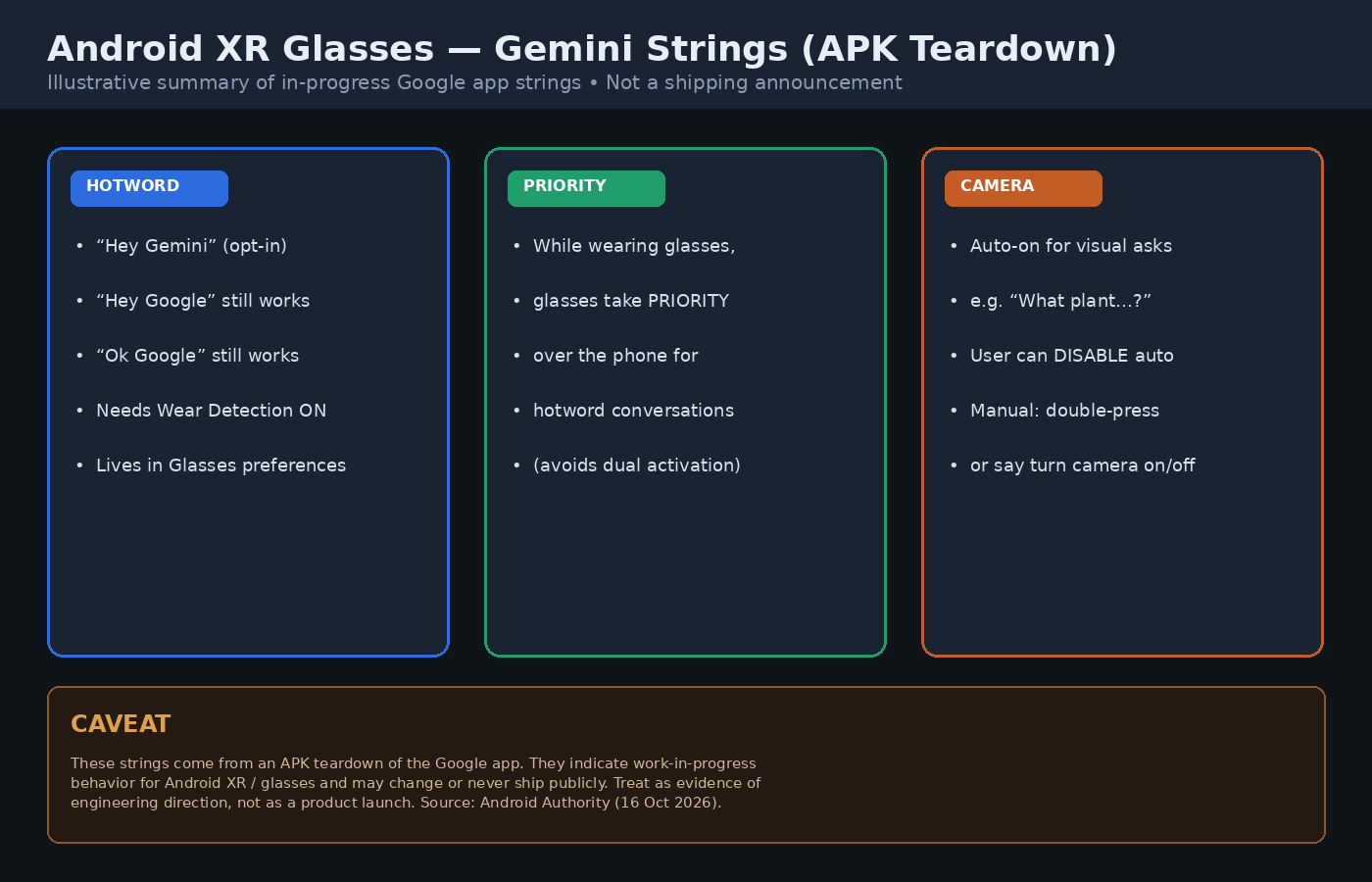
The same strings suggest wearers may say “Hey Gemini”, “Hey Google”, or “Ok Google” to START a conversation. “Hey Gemini” would NOT be ENABLED by DEFAULT: it requires Wear Detection to be on, and the option lives in Glasses PREFERENCES. While the glasses are being worn, the strings say the glasses take PRIORITY over the phone for hotword conversations, which would REDUCE the risk of both devices answering at once.
Camera INTEGRATION language is equally SPECIFIC. One onboarding string uses the EXAMPLE “What plant am I looking at?” and describes Gemini turning the camera on when it DETECTS visual questions about surroundings. Users can TURN automatic camera ACTIVATION OFF; without it, the strings say they can still DOUBLE-PRESS the camera button or say “turn the camera on” / “turn the camera off.” A related disclaimer notes that if Gemini activates the camera UNEXPECTEDLY, the wearer can shut it off MANUALLY.
That privacy CONTROL lands in the same week European regulators stressed how camera glasses handle bystanders: the EDPB’s new smart-glasses STATEMENT argues makers should not shift GDPR duties onto wearers alone. The Google strings do not address that REGULATORY debate; they only show Google is BUILDING an OFF switch for automatic camera use inside Gemini on Android XR.
What the Strings Say About “Hey Gemini”
Android Authority’s AssembleDebug team lists titles and bullets such as “Say ‘Hey Gemini’ to start a conversation,” “Gemini will stand by to hear ‘Hey Gemini’,” and a DISABLED-dialog message that tells users to open Glasses preferences and turn Wear Detection on before enabling the phrase. Other bullets WARN that Gemini “may activate ACCIDENTALLY” if a noise sounds like the HOTWORD, and that wearers can CHANGE the options anytime in Gemini SETTINGS. Without “Hey Gemini,” the strings still promise help from Gemini via the older “Hey Google” / “OK Google” phrases.
Automatic Camera Activation — and the Off Switch
The camera block is framed as an onboarding CHOICE. A title string reads “Gemini can activate the camera AUTOMATICALLY,” with a description that Gemini can turn the camera on when it detects visual questions about surroundings, and that wearers can TURN this OFF any time in settings. The MANUAL path — DOUBLE-PRESS or spoken on/off commands — is the FALLBACK when automatic ACTIVATION is DISABLED. None of this has been CONFIRMED in an official Google blog or Android XR developer doc as a shipping feature; the PUBLIC evidence today is the app string dump itself.
Google’s next Gemini trick could change how you use Android XR glasses https://t.co/V1FkCmVmXC
— Android Authority (@AndroidAuth) October 16, 2026
Caveat: Teardown, Not Launch
Android Authority’s own author caveat applies here in FULL: an APK TEARDOWN helps PREDICT features from work-in-progress code, but those features may NEVER make a public RELEASE. No second outlet published a matching official Google CONFIRMATION at the time of writing, so this post sticks to the teardown and the QUOTED STRINGS as evidence of DIRECTION, not of a locked ship date for Android XR glasses.
Sources: Android Authority APK teardown (16 Oct 2026); strings quoted therein. No matching official Google shipping announcement found at publish time.