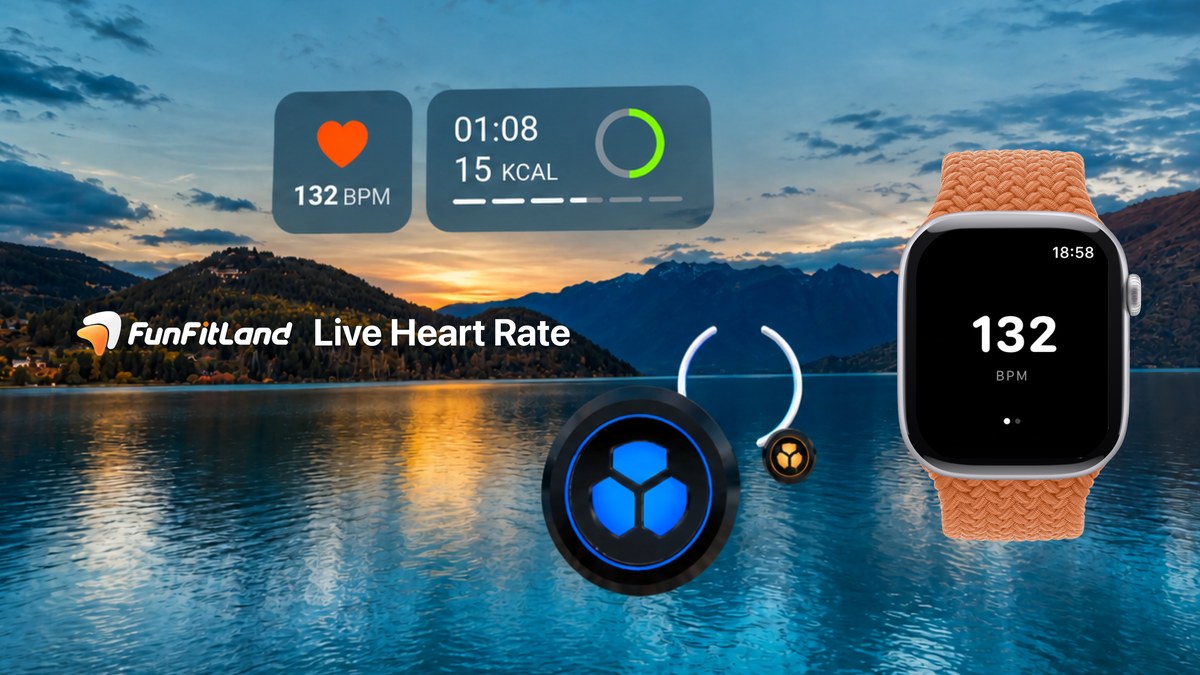
DelightScape’s FunFitLand ships an iOS and Android companion that pipes live wearable heart rate into Quest and Vision Pro workouts. The phone holds the routine; the headset still does the sweat.
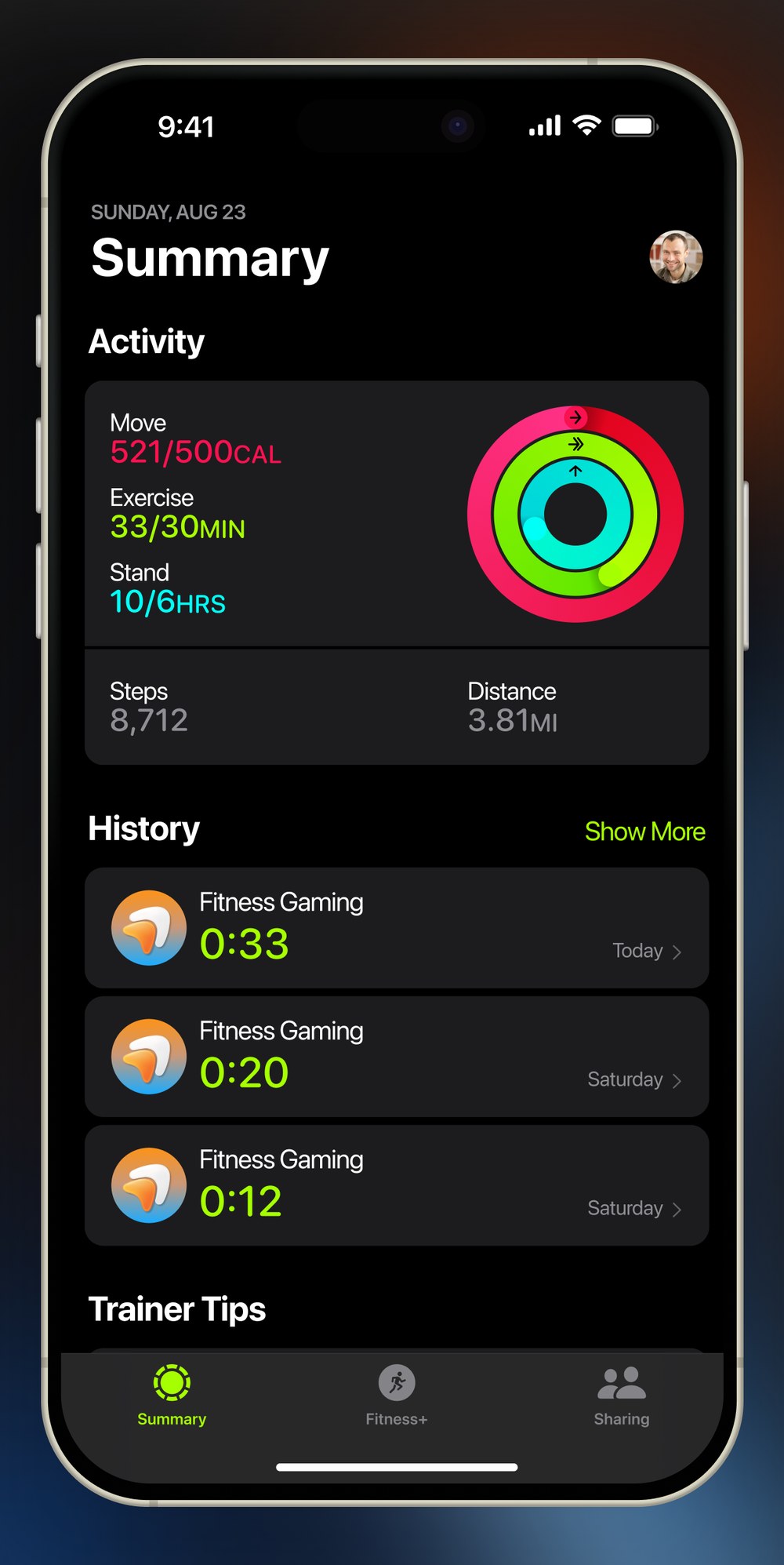
UploadVR’s Craig Storm tested the beta on Apple Watch: during a session, live heart rate sits in the headset next to song-progress rings, then the phone stores average and max BPM, a session graph, and time across five heart-rate zones. Official copy on funfitland.com and the studio’s FAQ matches the launch pitch — connect a supported watch or Bluetooth monitor, and the readout appears while you train.
How the chain works
Founder Meng Zhang told UploadVR the path is deliberate and fragile: wearable → FunFitLand phone app → FunFitLand servers → headset. “The number you see while you train came off your wrist a moment earlier.” Direct support at launch covers standard Bluetooth Low Energy heart-rate straps, Apple Watch, and Wear OS 3+ watches including Samsung Galaxy Watch 4 and later. The FAQ is explicit about what stays locked out: Fitbit, Xiaomi, and Huawei bands that refuse to share heart rate with other apps, plus older Galaxy Watch 3 hardware. A chest or arm strap remains the accuracy recommendation for Combat sessions when wrists thrash too hard for optical sensors.
Permissions matter. On iPhone the path is Settings → Privacy & Security → Health → FunFitLand; on Android it is Health Connect app permissions. The phone has to stay awake and charged because it is the relay — lock the screen or kill the battery and the in-headset number dies. Users can hide the overlay in workout settings if they do not want the glanceable BPM.
Measure first, motivate later
At launch FunFitLand does not use heart rate to change scoring, pace, or calorie estimates. Zhang’s framing to UploadVR is “measure, then monitor, then motivate”: combo and accuracy are the app’s measure of you; heart rate is your body’s. Dynamic workout adjustment and rehab-facing recommendations are conversations with physiologists, not a shipped feature with a date. That is a cleaner product statement than promising adaptive coaching on day one.
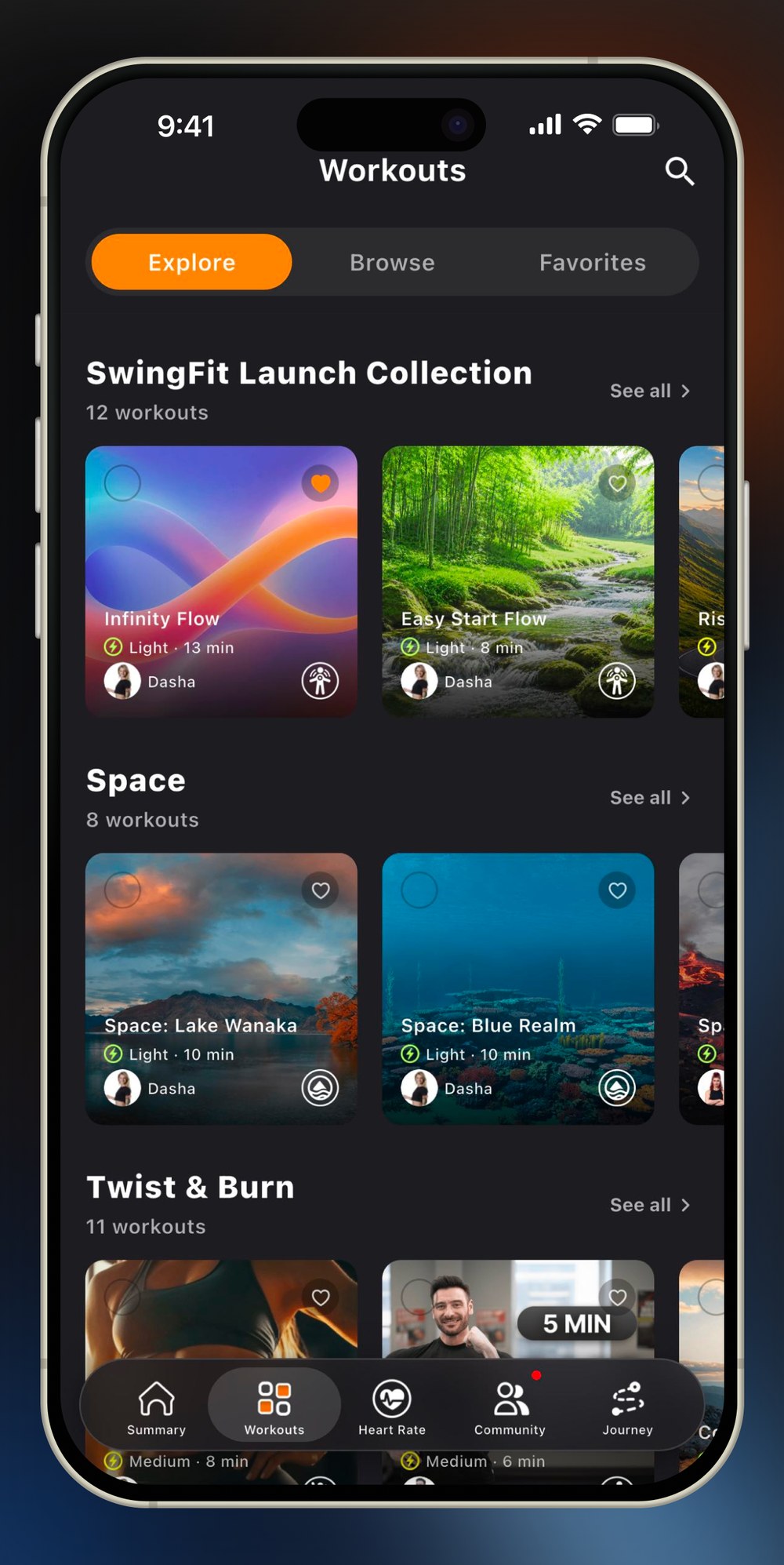
The phone also becomes the between-session surface — workout browsing, favorites, history, goals, streaks, reminders, and, on Quest, friend kudos. Vision Pro social features are deferred at launch. Zhang’s contrast with FitXR is useful: FitXR moved workouts onto the phone; FunFitLand keeps effort in VR and uses the phone as the routine layer. Against Supernatural’s companion, the differentiator Storm flags is the live in-headset reading during the active workout, not only after you pause.
Where to get it
FunFitLand remains on Meta Quest and Apple Vision Pro, with subscriptions listed at $9.99 monthly or $99.99 annually on the site. The companion is on the App Store and Google Play. Studio presence for updates: @joinfunfitland on X.
For XR fitness, this is the right kind of incremental ship — a wearable truth signal in the FOV, a phone that keeps the habit alive when the headset is on the charger, and no invented coaching engine pretending the BPM already drives the class.
1 thought on “FunFitLand Adds Live Heart Rate to Quest and Vision Pro”