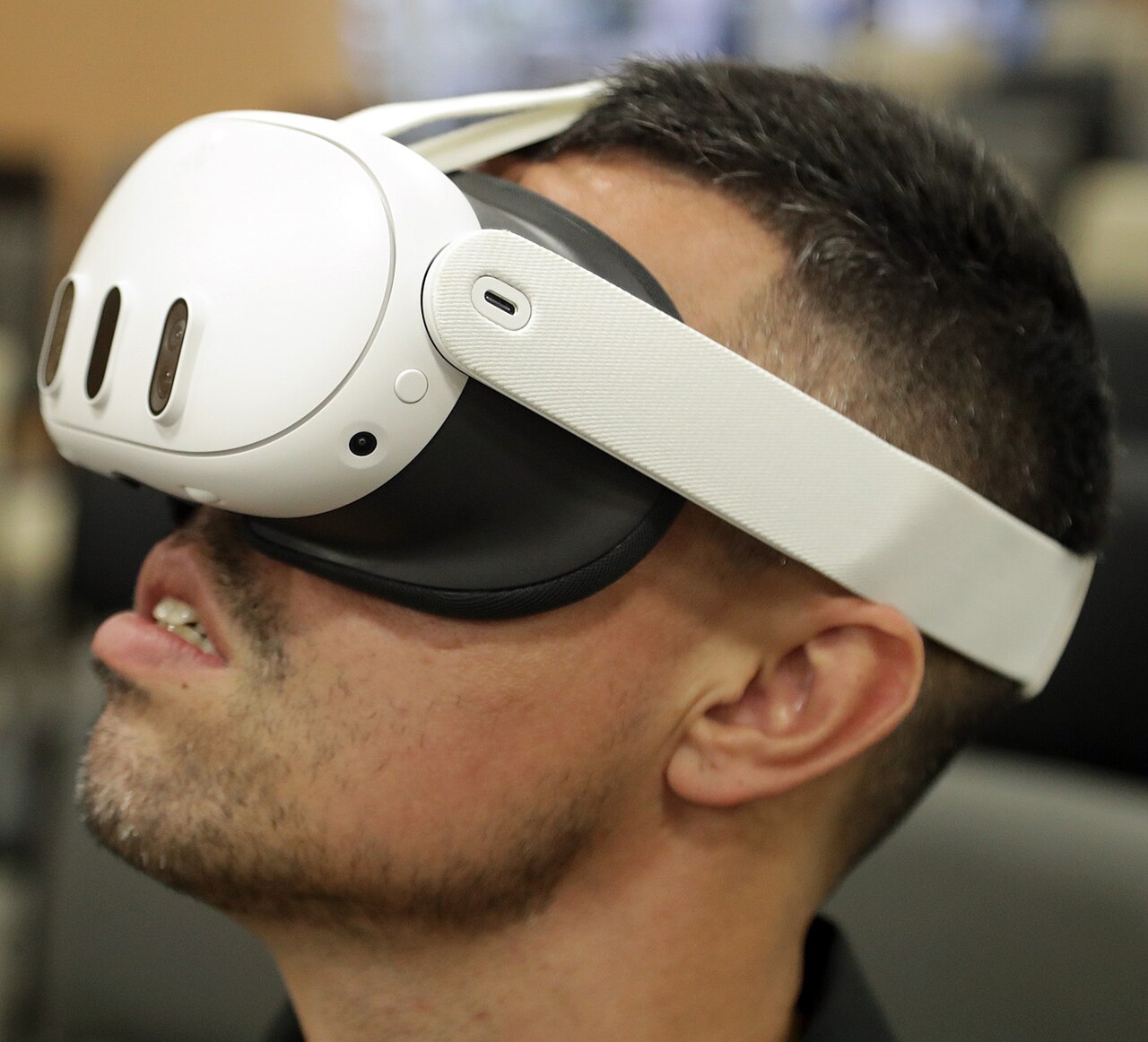
Disney+ on Meta Quest is about to look a lot more like Disney+ on Apple Vision Pro. In a report published October 20, 2026, UploadVR detailed a November update that adds 3D movies, a redesigned spatial interface and several of the 3D viewing environments that have so far been exclusive to visionOS. The update arrives alongside three new Meta developer kits that let ordinary Android apps, the NBA app among the first, spread out into floating windows around the user.
Taken together, the two moves show where Meta is pushing Horizon OS ahead of its Meta VR Glasses, which UploadVR says launch in 2027: away from a game-first store and toward everyday apps and video that feel native in a headset.
What changes in Disney+ on Quest
Disney+ reached Quest in December 2025 with up to 4K resolution, Dolby Vision HDR, Dolby Atmos for Premium subscribers on supported titles, and offline downloads. What it lacked, according to UploadVR, was everything that made the Vision Pro version stand out: there was no 3D content and none of the custom virtual cinema spaces. The Quest app was limited to 2D media.
The November update is meant to close most of that gap. UploadVR reports it will:
- overhaul the interface into a more spatial layout,
- add support for 3D media, and
- bring over several of the 3D environments from the visionOS app.
Disney is building the update on recent Meta Spatial SDK improvements covering audio and interactions. It also lines up with the broader 3D push we covered when Meta confirmed 3D movie streaming for Quest and VR Glasses this fall. According to UploadVR, Meta plans to let US users rent or buy “hundreds” of movies on Quest later this year, growing to “thousands” of titles internationally by the time Meta VR Glasses ship. That push also fits the “Theater Home” cinema room found in the Horizon OS 2.9 test build.
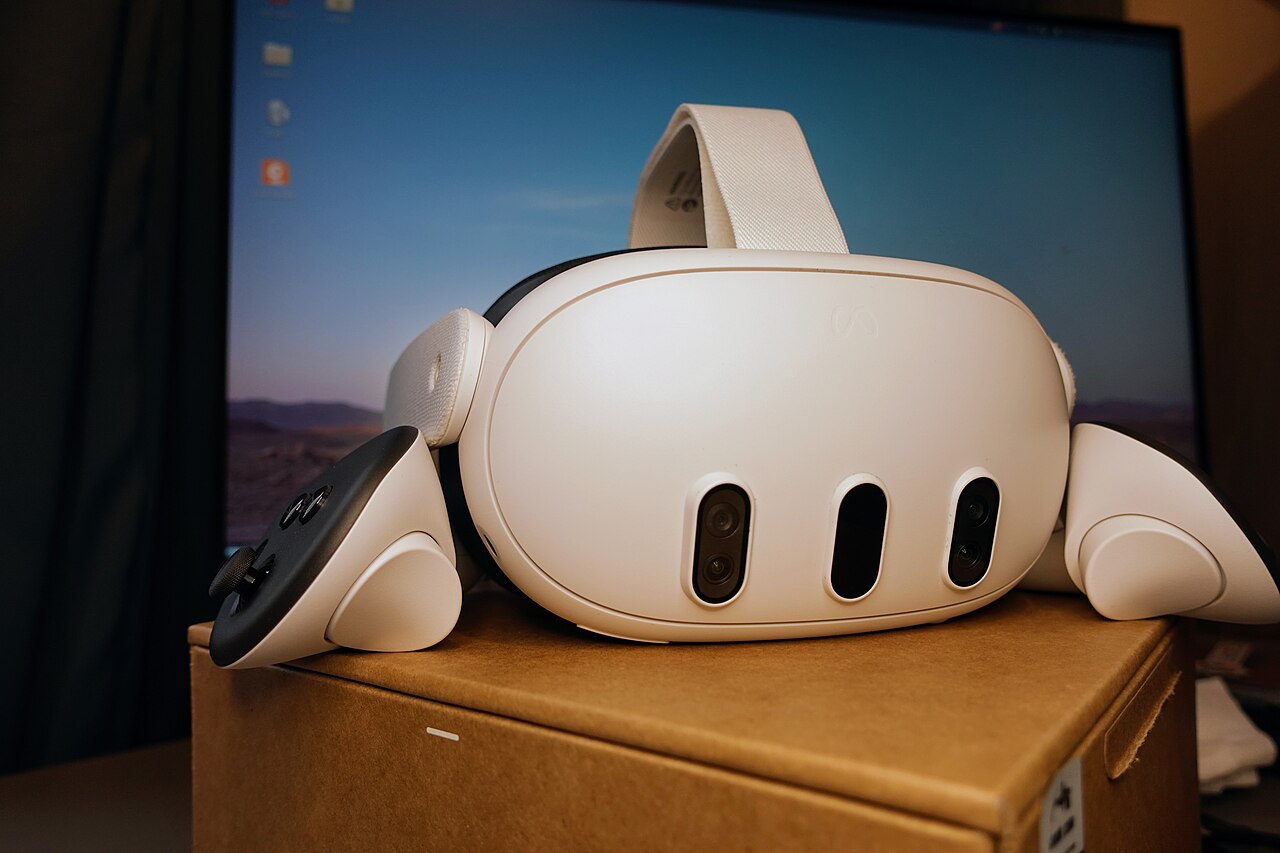
Meta VR Layout SDK: floating windows without going immersive
The more lasting change is on the developer side. Until now, a standard 2D Android app on Horizon OS was essentially a tablet floating in space. Developers who wanted spatial elements had to rebuild their app as an immersive experience with the Meta Spatial SDK.
The Meta VR Layout SDK removes that step. Meta’s documentation says it “adds spatial windows around the main window of a Standard Android app” while the app “remains non-immersive, can coexist with other open apps, and keeps its existing activity and UI architecture.” It works with Jetpack Compose and React Native, and version 1.0.0 of the Compose package is listed on Meta’s developer site with a September 24, 2026 update date. Developers can anchor extra windows to the edges of the main panel, size them, rank them by priority, and choose what happens when no spatial slot is free: render the content inline in the main window, or drop it.
There are real limits. Meta’s best-practices page recommends one main window plus no more than two important spatial windows, notes that the React Native integration is capped at two slots, and says spatial windows do not support transparency. 3D objects and control of the surrounding environment still require the full Spatial SDK. The docs say the SDK falls back to plain behavior on Horizon OS releases earlier than v207, which UploadVR describes as Horizon OS 2.7.
UploadVR’s comparison is apt: the result resembles window layouts on visionOS. It is also Meta’s own answer to the same problem the industry is tackling in the open standard, as we covered this morning in OpenXR’s new spatial containers for multitasking. The Layout SDK targets flat Android apps, while the OpenXR extensions target immersive engine-based apps.
Gaze SDK and UI Set SDK
Two smaller kits round out the package:
- Meta VR Gaze SDK. Meta VR Glasses default to a “look and pinch” input model built on eye and hand tracking. The Gaze SDK lets developers give the system hints about custom UI elements it might misread, and adjust hover behavior. It supports Compose, React Native and Android Views, but UploadVR says it is in early access and cannot be used in shipping apps yet.
- Meta VR UI Set SDK. This is a Jetpack Compose design system with light and dark themes, semantic colors, typography, icons and interaction feedback. Meta calls it the successor to the Horizon OS UI Set and says it is optimized for implementation by AI coding agents, in line with the agent tooling we saw in Immersive Web SDK 1.0.
What it means
For Quest owners, the immediate payoff is Disney+. A 3D catalog and proper virtual theaters remove one of the clearest reasons to call Vision Pro the better movie headset, at a small fraction of the price. For a broader look at how the hardware compares, see our Steam Frame vs Quest 3 buying guide.
For Meta, the SDKs matter more. Horizon OS already runs Android apps, but most look and behave like phone apps on a big screen. A low-effort path to spatial layouts, a shared design system and better gaze input are what Meta needs if its VR Glasses are going to be sold as general computers rather than gaming devices. The open question is adoption: the Layout SDK depends on a recent Horizon OS release, the Gaze SDK is not yet cleared for shipping apps, and Meta has not said how many developers beyond the NBA and Disney have signed on.
Sources: UploadVR; Meta for Developers; Meta VR Layout SDK for Compose release notes. Featured photo: Assembleia Legislativa do Paraná via Wikimedia Commons, public domain.