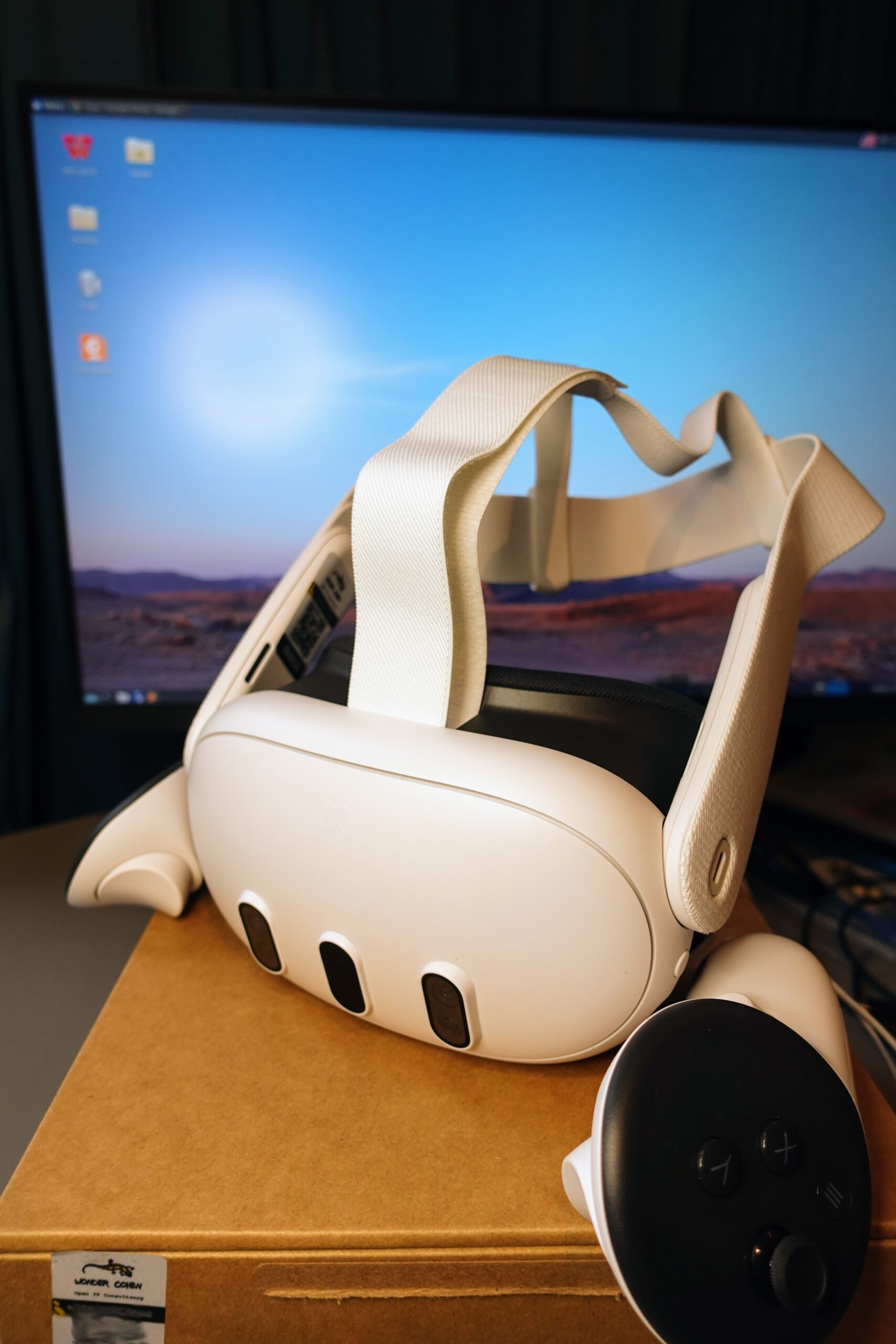
Microsoft just turned a Meta QUEST into a WINDOWS webcam — and not only for passthrough. Mixed Reality Link version 26.9105.9070.0 and later add three selectable devices: Microphone, Passthrough, and AVATAR CAMERA. VR.org reported the AVATAR path on September 21, building on Microsoft’s own September 20 product note. A ZOOM or Teams desktop client can pick the avatar feed from the same camera DROPDOWN it already uses for a laptop webcam. No new SDK. No per-app META integration. That is the story.
We covered the earlier MIC and camera STREAMING claims on September 19. The fresh ANGLE is what the Avatar Camera actually CHANGES. Microsoft’s Jody Banim wrote that the feature lets Quest OWNERS “show up as their avatars in Windows MEETINGS” instead of a webcam. Once the headset is linked, Windows lists Mixed Reality Link Avatar Camera “just like any other INPUT device.” That loose CONTRACT is exactly how Snap Camera once injected Lenses into Zoom and Twitch — until Snap killed the tool in January 2023. Easy to REACH. Easy to withdraw.
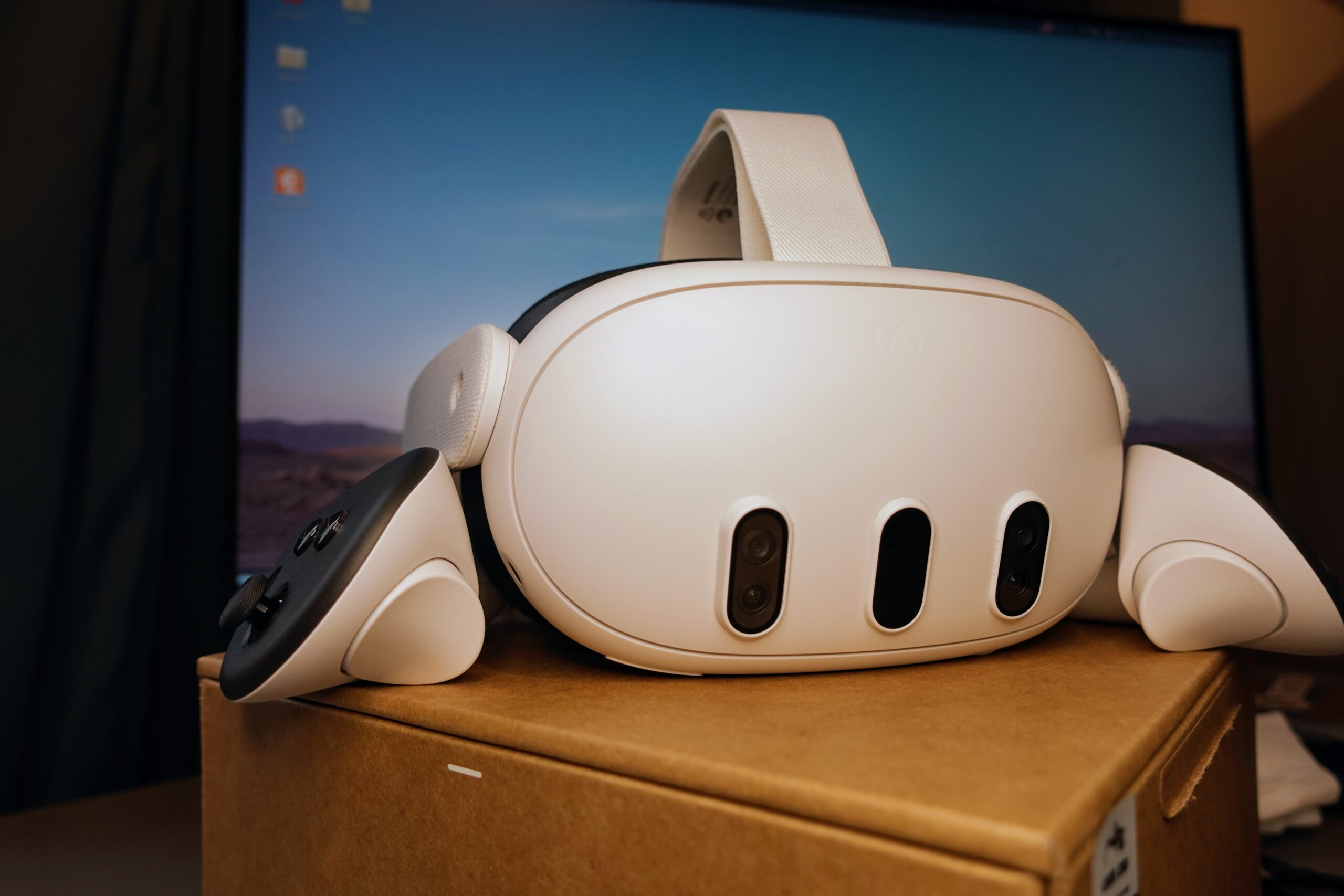
Horizon OS already exposed an avatar CAMERA to native Android apps. Meta’s Passthrough Camera API docs note that the stock CAMERA permission can open both passthrough and avatar feeds, while HEADSET_CAMERA limits access to passthrough only. Microsoft does NOT say whether its Windows Avatar Camera is that same Horizon DEVICE carried across the link or a separate render. For anyone writing software, VR.org argues, the distinction MATTERS less than where the feed LANDS: in the ordinary Windows camera LIST.
That LIST has a privacy EDGE. Windows desktop apps do not get per-app camera toggles the way mobile apps do. Microsoft’s own support language is blunt: camera privacy for desktop apps “can’t be changed at an individual desktop app LEVEL.” Once the desktop camera SWITCH is on, any Win32 program that enumerates cameras while the headset is CONNECTED can find Mixed Reality Link Passthrough beside the webcam — and what that camera SEES is the wearer’s ROOM. VR.org flags the missing PROMPT language in Microsoft’s short announcement and calls it the first question an IT department should ASK. It is the same BYSTANDER problem that has chased Meta’s smart glasses all YEAR.
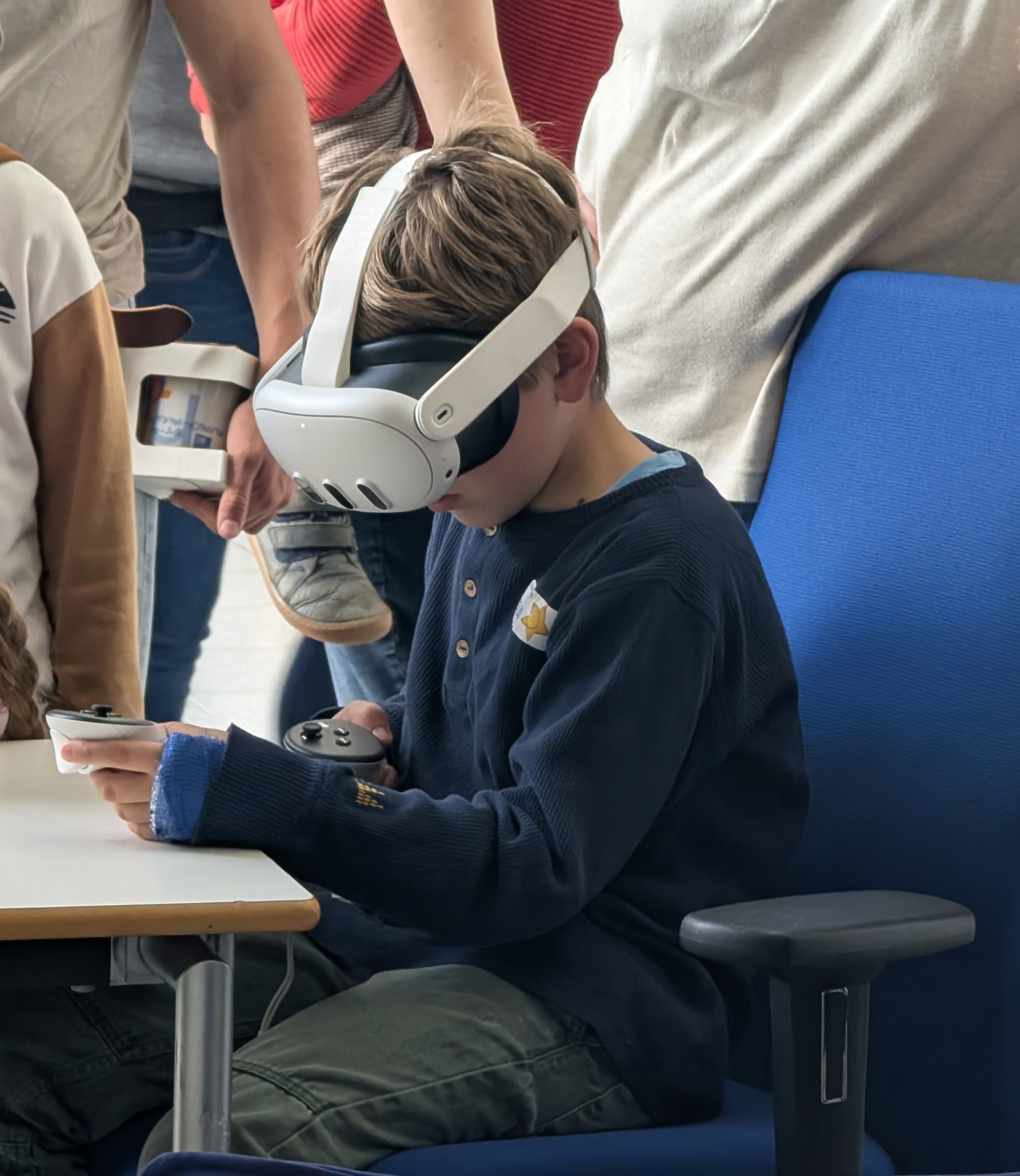
Timing is awkward for older Windows Mixed Reality HEADSETS. Microsoft’s deprecation list still says existing WMR devices will keep working with Steam through NOVEMBER 2026 for users who stay on Windows 11 version 23H2. After that, no security UPDATES, bug fixes, or support. The community driver Oasis already keeps many of those headsets alive on 24H2 through SteamVR, but the official ROADMAP ends in ten weeks. Mixed Reality Link is Microsoft’s headset strategy after that sunset: Windows apps on SOMEBODY else’s hardware, the Phone Link playbook applied to QUEST.
Meta keeps a PARALLEL bridge. Horizon OS 2.7 renamed Remote Desktop to Virtual DISPLAY and gave Macs parity through Meta’s own app, while Windows 11 pairing still runs through Microsoft’s. The Microsoft HALF is the one that just learned to carry an AVATAR. Connect opens Wednesday, September 23–24, and Meta is widely EXPECTED to demo photoreal Codec Avatar “HOLOGRAM” calls on the keynote STAGE. The stylized avatar reached the Windows camera list FIRST — on Microsoft’s CODE. If the photoreal version ships only inside Meta’s calling apps, a Zoom client on Windows will still show the CARTOON, not the hologram.
For builders, the practical TAKEAWAY is simple. Update Mixed Reality Link past 26.9105.9070.0, link a Quest 3 or 3S, and test the three new DEVICE names inside Teams, Zoom, or any app that already speaks webcams. Treat Passthrough as a ROOM feed with real privacy STAKES. Treat Avatar Camera as the loose, Snap-Camera-style CONTRACT it is — powerful for presence, FRAGILE if either company changes the bridge. And watch Connect: the hologram demo may raise the BAR for what “avatar video” means, but Windows already SHIPS the cartoon TODAY.