Microsoft just turned the Meta Quest into a WINDOWS webcam stack. A September 19 Mixed Reality Link UPDATE exposes the headset MICROPHONE, PASSTHROUGH cameras, and an AVATAR CAMERA as system-level inputs on Windows 11 — so Teams, Zoom, and other PC apps can treat a Quest 3 or Quest 3S like a PERIPHERAL, not a sealed sandbox.
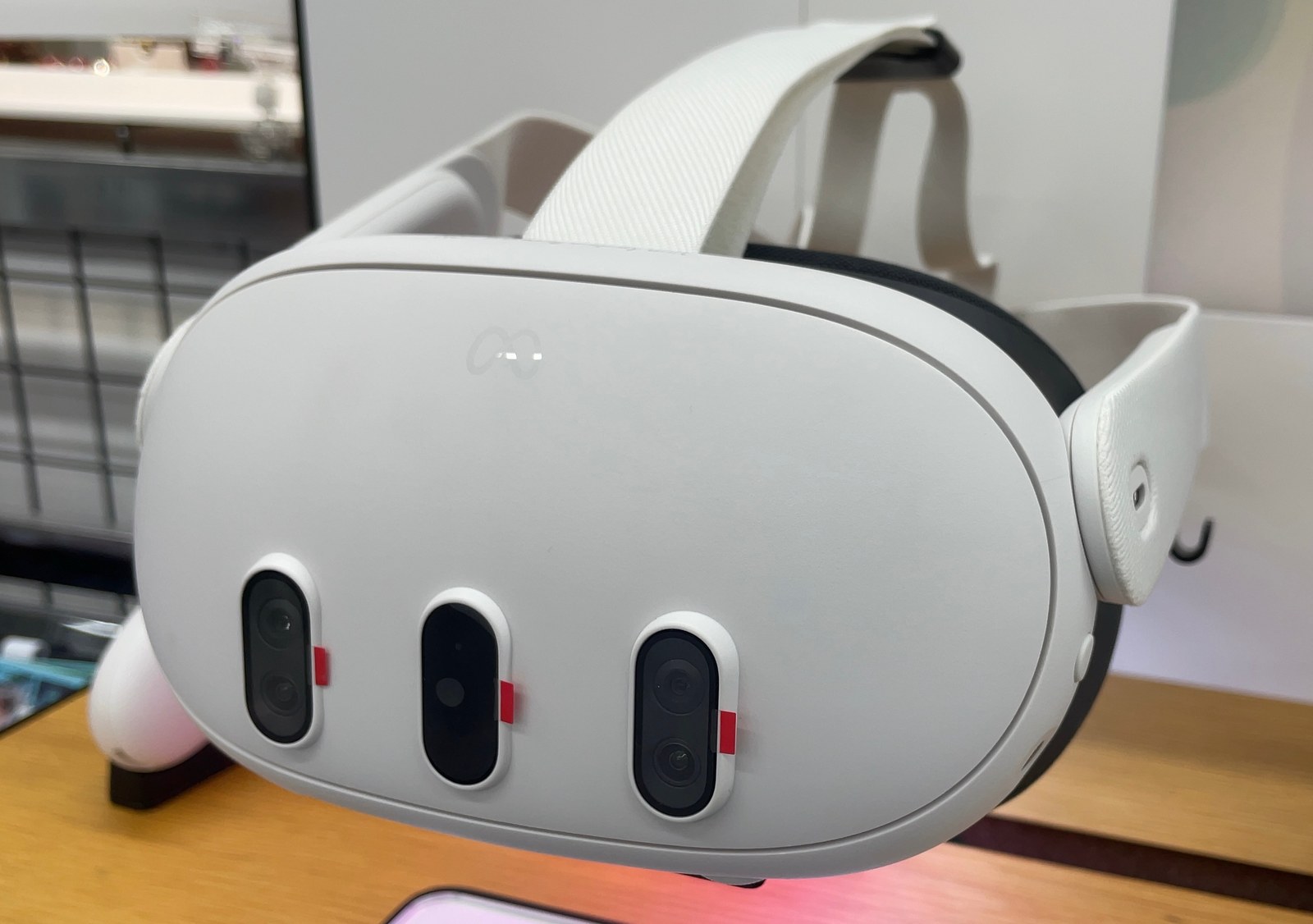
According to reporting that cites Neowin — and that WinDiscover and 9to5Windows both pick up — the new pipeline lands in Mixed Reality Link version 26.9105.9070.0 and newer. Once the Quest is PAIRED to a PC, Windows lists three NAMED devices:
- Mixed Reality Link Microphone — STREAMS the headset’s built-in mic into any Windows app that asks for audio INPUT.
- Mixed Reality Link Passthrough — feeds the headset’s color camera VIEW into PC video apps.
- Mixed Reality Link Avatar Camera — swaps the raw room feed for a Meta AVATAR as the video SOURCE.
That is a CLEAR shift from earlier Mixed Reality Link releases, which focused on floating virtual monitors and immersive productivity. The October 2025 GA push from Microsoft’s Windows Experience Blog framed the app as a multi-display remote desktop bridge for Quest 3 / 3S owners on Windows 11 22H2+. The September UPDATE does not replace that story — it ADDS presence tools on top of it.
Why the avatar camera matters
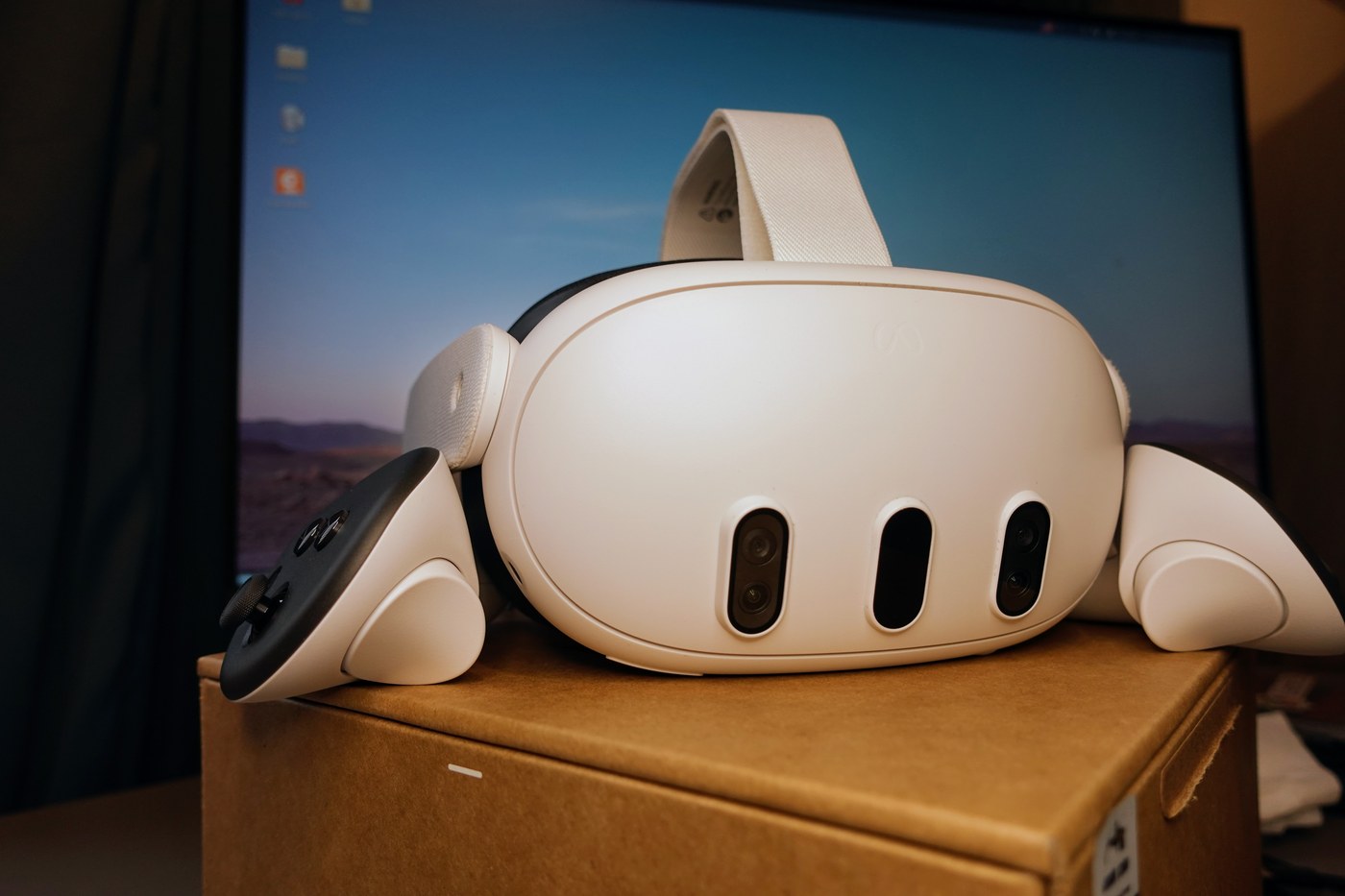
Passthrough as a webcam is useful. Showing a Meta avatar instead of your actual FACE is the collaboration HOOK. WinDiscover notes the Avatar Camera lets callers keep an identity marker without broadcasting the ROOM. For remote work, that sits between a flat laptop webcam and full Codec Avatar hologram demos Meta is teasing ahead of CONNECT.
Hardware support stays NARROW: Meta Quest 3 and Quest 3S only, paired with Windows 11 version 22H2 or newer. Older headsets are OUT. Windows 10 is OUT. Users will need the latest Mixed Reality Link build on the PC plus current Quest FIRMWARE before the three device names appear in system settings.
Context: Microsoft never fully exited XR
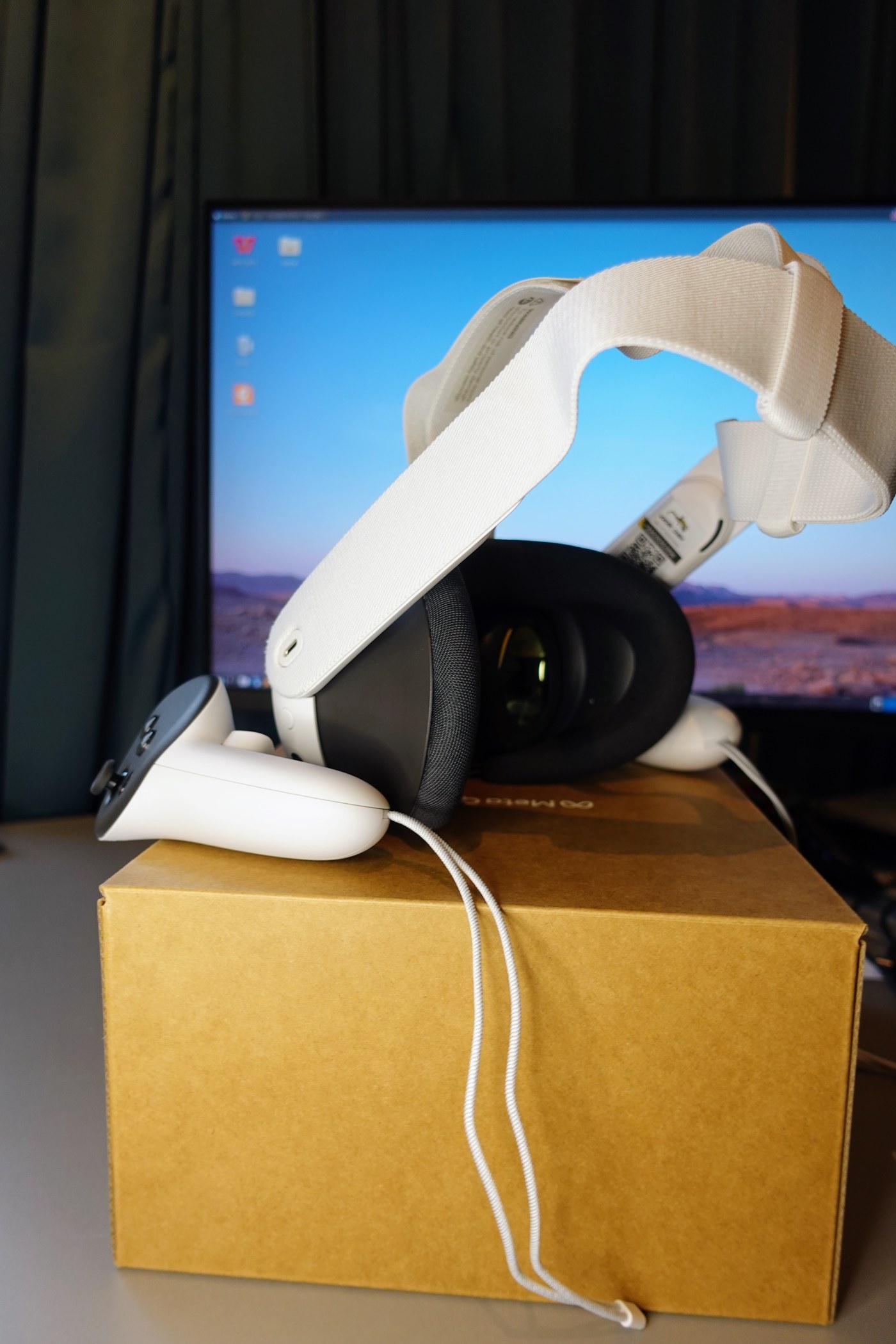
Redmond’s consumer VR EXIT in 2019 still hangs over every headset story. The quieter counter-move was the Mixed Reality Portal on Quest in 2022, then Mixed Reality Link’s preview-to-GA path through 2024–2025. Streaming mic + cameras into Windows is the most PRACTICAL signal yet that Microsoft wants Quest owners inside its MEETING stack — even if HoloLens-scale hardware ambitions stay parked.
Practical checklist for early testers: update Mixed Reality Link past 26.9105.9070.0, confirm Windows 11 22H2+, pair Quest 3/3S on the same 5/6 GHz network, then look for the three “Mixed Reality Link …” device names before starting a CALL. Latency, BATTERY, and how passthrough behaves on older GPUs are the usual trade-offs when the headset becomes an I/O dongle for the PC.
Related Coverage
Sources
- 9to5Windows — Microsoft Revives Mixed Reality: Mic and Camera Streaming Arrive on Meta Quest (Sep 19, 2026; cites Neowin)
- WinDiscover — Mixed Reality Link microphone and camera streaming (Sep 19, 2026; version 26.9105.9070.0, device names, Quest 3/3S + Windows 11 22H2+)
- msoftnews roundup of the Neowin report (Sep 19, 2026)
- Windows Experience Blog — Mixed Reality Link GA (Oct 30, 2025)
- Meta Help — Use your computer in VR with Meta Virtual Display / Mixed Reality Link
1 thought on “Mixed Reality Link Streams Quest Mic and Cameras to Windows”