Road to VR published its full Steam Frame review on September 16, calling Valve’s second headset a “power-user’s playground.” Scott Hayden’s take lands after a wave of first impressions: Frame can do more than Quest 3 on paper, but the experience still asks buyers to tinker—and to decide whether that flexibility is worth a roughly $460 premium over Meta’s $600 Quest 3.
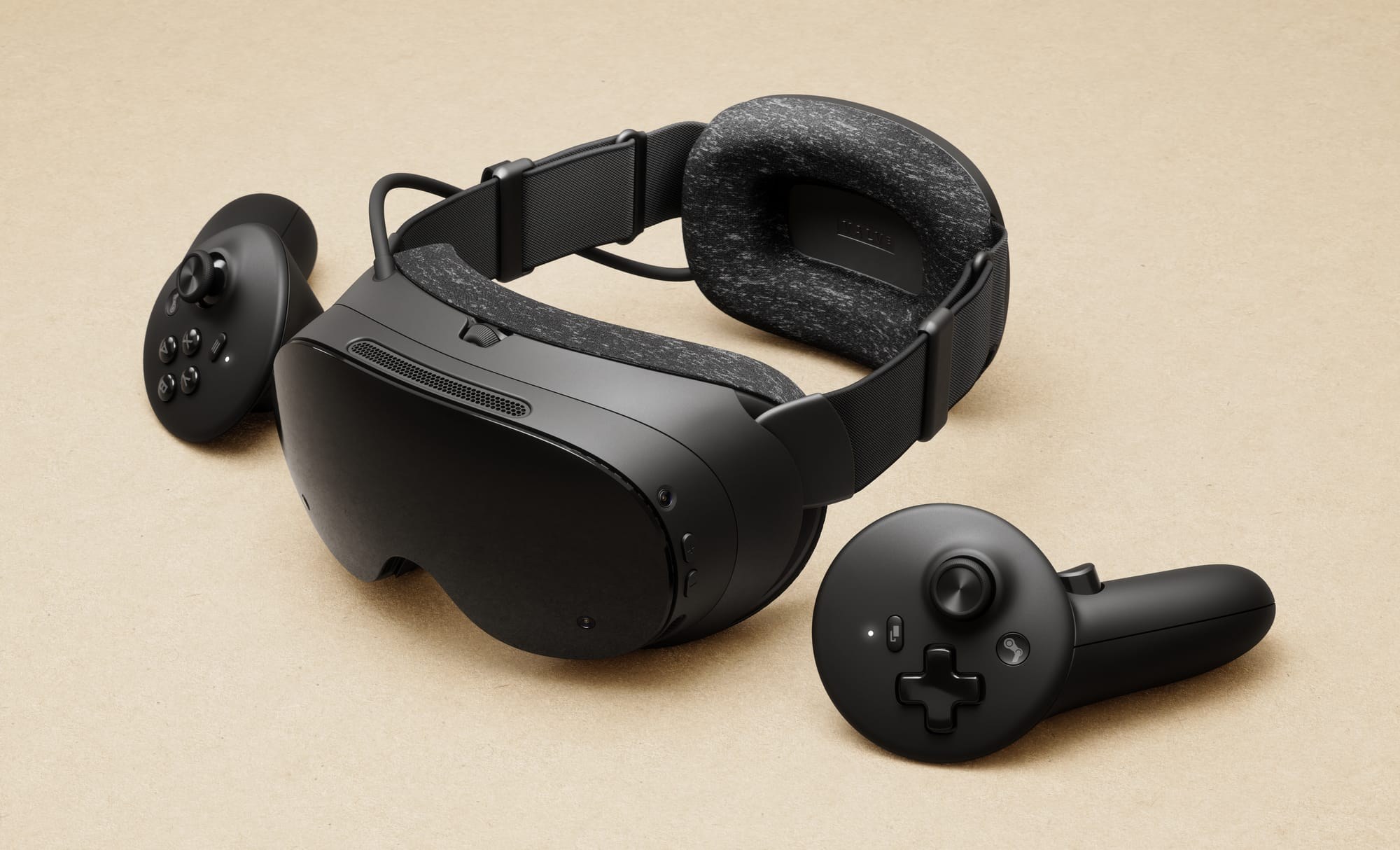
Hayden’s summary is blunt. Steam Frame combines capable standalone play with an easy PC-streaming path and the ability to install flat or VR Steam titles in either mode. Demanding or poorly optimized games often fall apart in standalone. Valve’s Frame-certified / Great on Frame labeling helps identify titles that behave, but everything else is an experiment. Road to VR would not recommend the headset to someone new to VR or anyone who ranks ease of use above raw capability.
Quest 3 remains the price and polish check
Spec for spec, Hayden puts Frame in the Quest 3 class: similar size, similar field of view, and broadly similar visual performance. Quest 3 still edges overall clarity; Frame’s pancakes are close and a clear step up from Fresnel-era headsets. Weight favors Frame—about 435 g versus 515 g on Quest 3—helped by the rear battery, though Road to VR argues Valve should have included a top strap in the box instead of routing it through the $60 Ergonomic Accessories Kit.
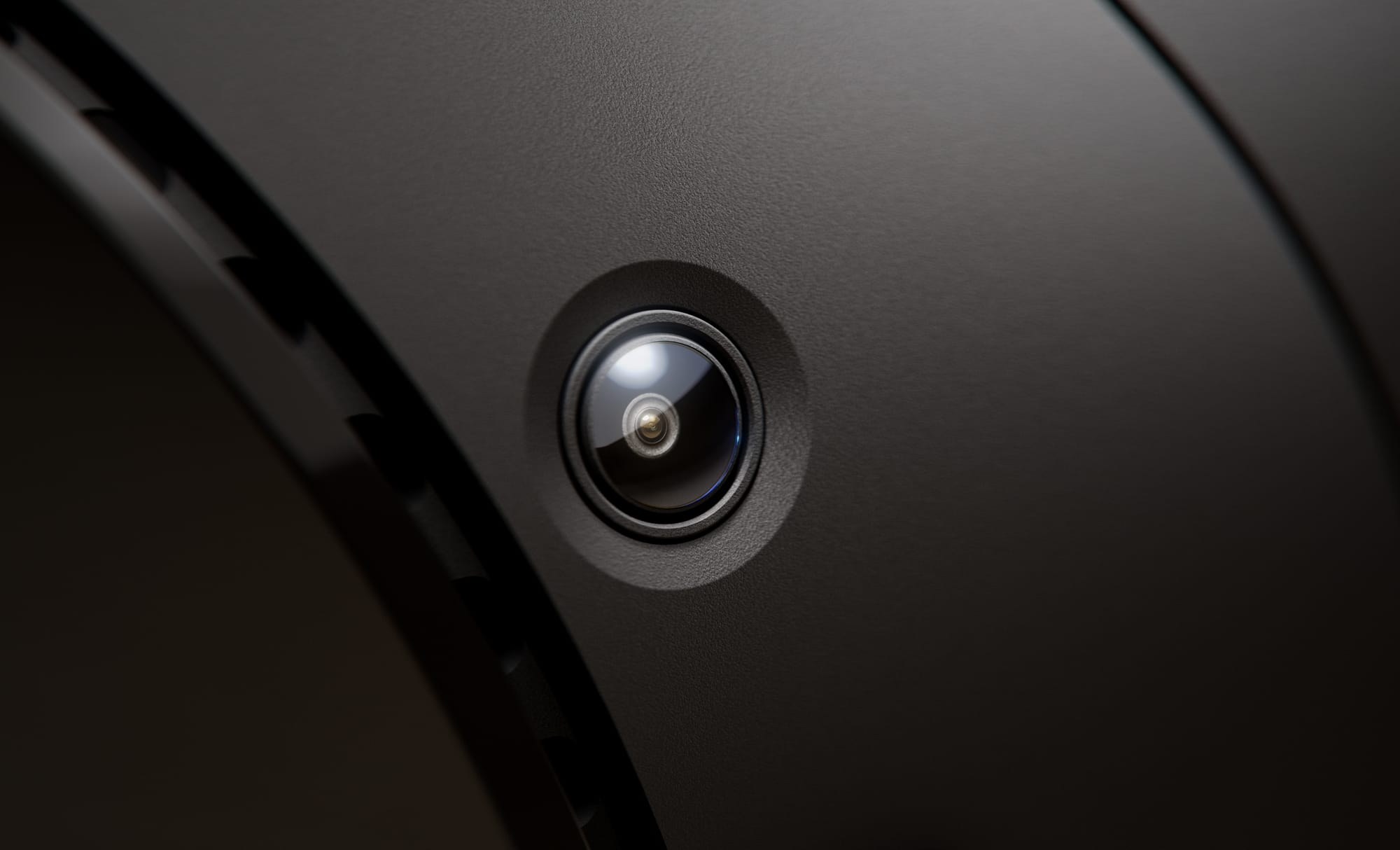
Battery life is a clear weak point in Hayden’s testing: roughly 1–1.5 hours of mixed use, versus about 2 hours on Quest 3. Audio is “quite good” but short on bass next to Index off-ear speakers. Inside-out tracking earns strong marks, with upper cameras covering common dead zones behind and above the head.
Controllers, dongle, and the Linux desktop
Frame controllers add a D-pad, bumpers, and a full face-button set on the right hand so they can emulate a traditional gamepad. That matters for flatscreen Steam titles without pairing a separate pad—something most Quest controllers cannot do alone. The included wireless PC streaming dongle is one of Hayden’s favorite practical wins: a direct link that removes Wi-Fi guesswork for many users, with Valve’s Multi-Link Streaming falling back to home Wi-Fi when the dongle path weakens.
The bigger differentiator is openness. Frame exposes a full KDE Linux desktop inside the headset, a MicroSD slot, a nose-bridge expansion port, and a tool-free facepad teardown. Hayden calls the Arcturus Vision Camera a “no-brainer” $150 color-passthrough fix for Frame’s monochrome, low-resolution default view—and also notes that both the top strap and color cameras feel like features that should have shipped built in.
Where the review draws the line
Road to VR found standalone Frame-certified play surprisingly solid, while PC streaming sessions still show launch-week wonkiness—games that fail to launch or close, unresponsive UI buttons—even as visual fidelity with the dongle rivals a tether. Hayden expects Valve to smooth streaming reliability; the deeper concern is UX cohesion. Frame currently mashes Steam Deck and SteamVR interfaces with overlapping settings and inconsistent input rules, and still lacks automatic controller power-on and casual hand tracking.
About 75 VR titles sit on Valve’s Great on Frame page at review time, but Hayden cautions that listing is not the same as deep per-title optimization. For the average gamer, Frame can look like a more expensive Quest 3 with as many cons as pros. For engineers, modders, and Steam power users who want to run uncertified titles, bolt on accessories, and live in a Linux desktop inside VR, Road to VR says Valve built exactly the headset those buyers have been waiting for.
Disclosure noted by Road to VR: Valve provided a review unit.