Valve pushed STEAMVR HOTFIX 2.17.10 to the stable channel on September 18, a maintenance drop that matters more than the version string suggests. The notes fix ignored Motion Smoothing toggles, two LINUX + AMD crash paths, and a Steam Link sharpening default that was rewriting more of the frame than games alone.
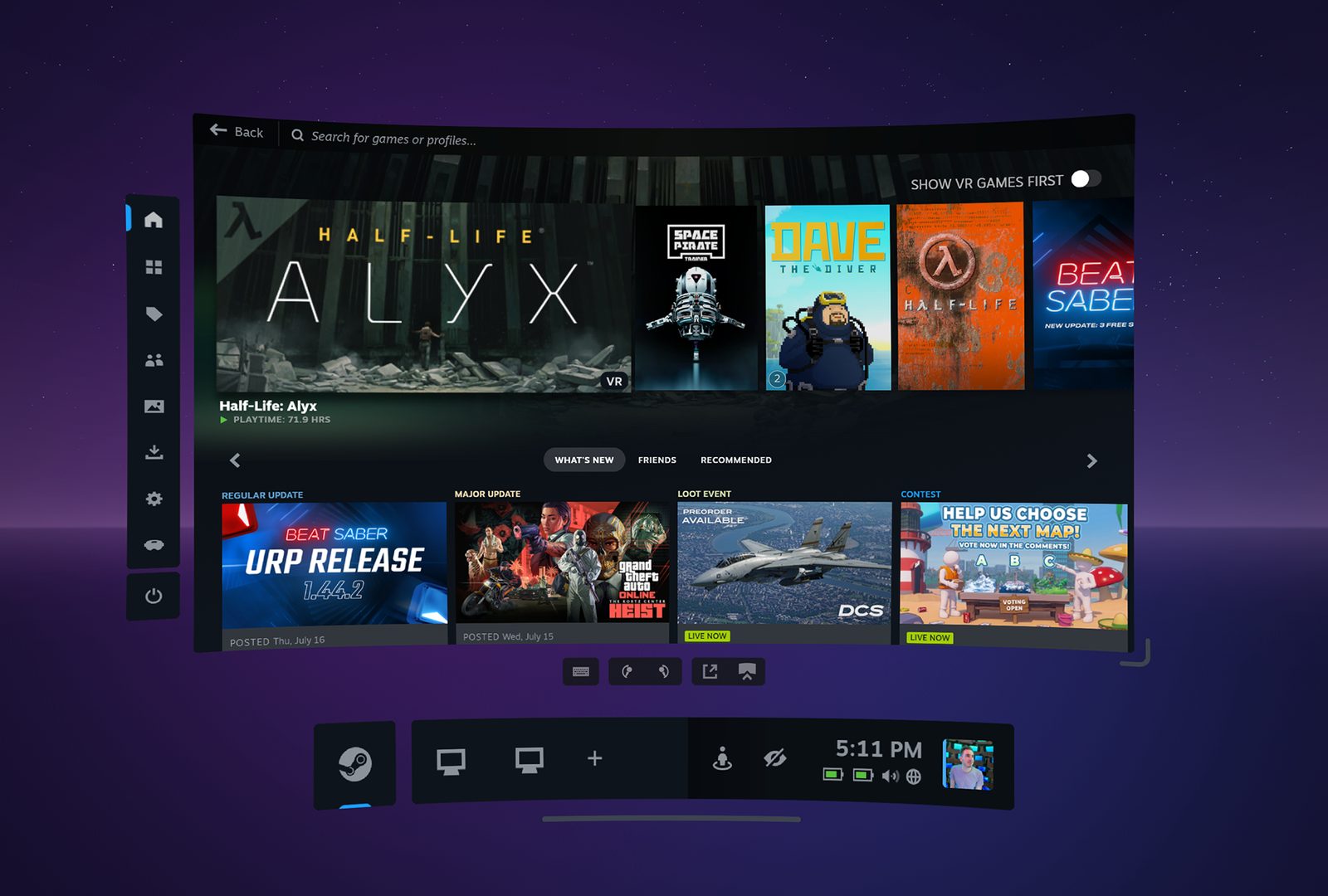
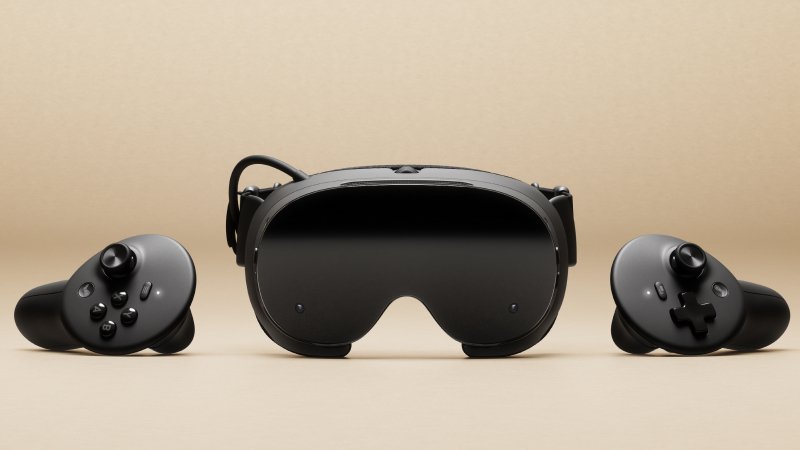
The timing sits right beside Steam Frame’s first week of ownership. Frame runs STEAMOS on Arm, streams and plays through the same SteamVR stack PC VR veterans already know, and leans on Steam Link habits for Quest-side streaming. A hotfix that hardens Linux AMD paths and stops CAS from touching the dashboard is not a KEYNOTE. It is the kind of quiet plumbing owners actually feel.
Motion Smoothing Finally Obeys Per-App Force
Valve’s own changelog leads with a one-line admission: the per-app MOTION SMOOTHING “Force Always-On” setting was getting IGNORED. That option exists so a title that needs synthetic frames can keep them without flipping a global preference. When the toggle lies, players either leave Motion Smoothing off everywhere or fight stutter that should have been covered. Hotfix 2.17.10 RESTORES the intended behavior.
That fix also rhymes with SteamOS 0.3.0 on Frame, which separately cleaned Motion Smoothing behavior in Half-Life: Alyx. Different channels, same class of regression: a FORCE switch that did not force.
Linux AMD Crashes Closed. Steam Link CAS Defaults Flip Off
Under the Linux heading, Valve lists TWO SEPARATE crash fixes for AMD GPUS. No driver versions are named in the public notes, only that both issues were causing crashes. For Steam Deck, Bazzite, and other SteamOS-adjacent PC VR boxes, that is the HEADLINE: fewer hard exits when an AMD stack hits SteamVR.
Steam Link changes are sharper for streamers. CONTRAST ADAPTIVE SHARPENING (CAS) now defaults to OFF. Re-enable it under SteamVR Settings → Steam Link → “Sharpen image before encoding.” CAS also now applies only to VR GAME CONTENT — not the dashboard, overlays, or desktop view. Anyone who liked a permanently sharpened Steam Link feed will need to turn it BACK ON; everyone else gets less sharpening tax on UI chrome.

OpenXR: Bumper Becomes Shoulder
Developers get a naming cleanup. The frame_controller_valve interaction profile now uses SHOULDER instead of “bumper” to line up with the OpenXR specification. Valve will still accept suggested bindings that say “bumper” for BACKWARDS COMPATIBILITY, so existing titles should KEEP WORKING while new bindings migrate.
Help links in the same post point to the Steam Link for Meta Quest FAQ and the SteamVR Bug Report forum. Valve still wants System Reports there — replies under the news post are not tracked as bugs.
Why This Drop Matters Now
Hotfix 2.17.10 will not sell a headset. It will decide whether a Linux AMD machine survives a session, whether a per-app Motion Smoothing FORCE actually sticks, and whether Steam Link spends encode budget sharpening the dashboard. For Frame owners living on SteamOS and for Quest players streaming into SteamVR, that is the difference between a STABLE night and a SUPPORT TICKET.
SOURCES: Valve SteamVR Hotfix 2.17.10 notes; In Game News coverage; Steam Link for Meta Quest FAQ; Steam Frame hardware page.